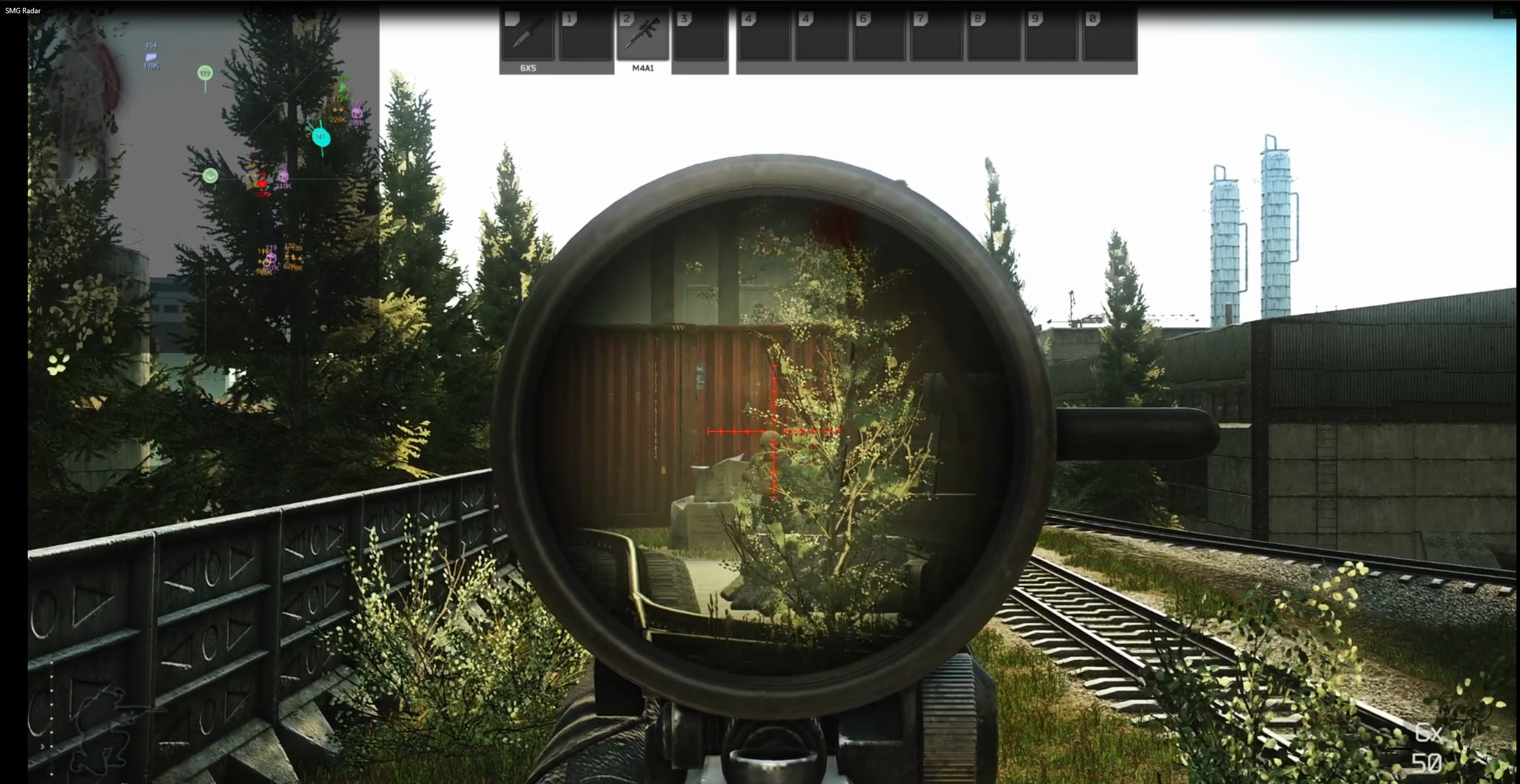
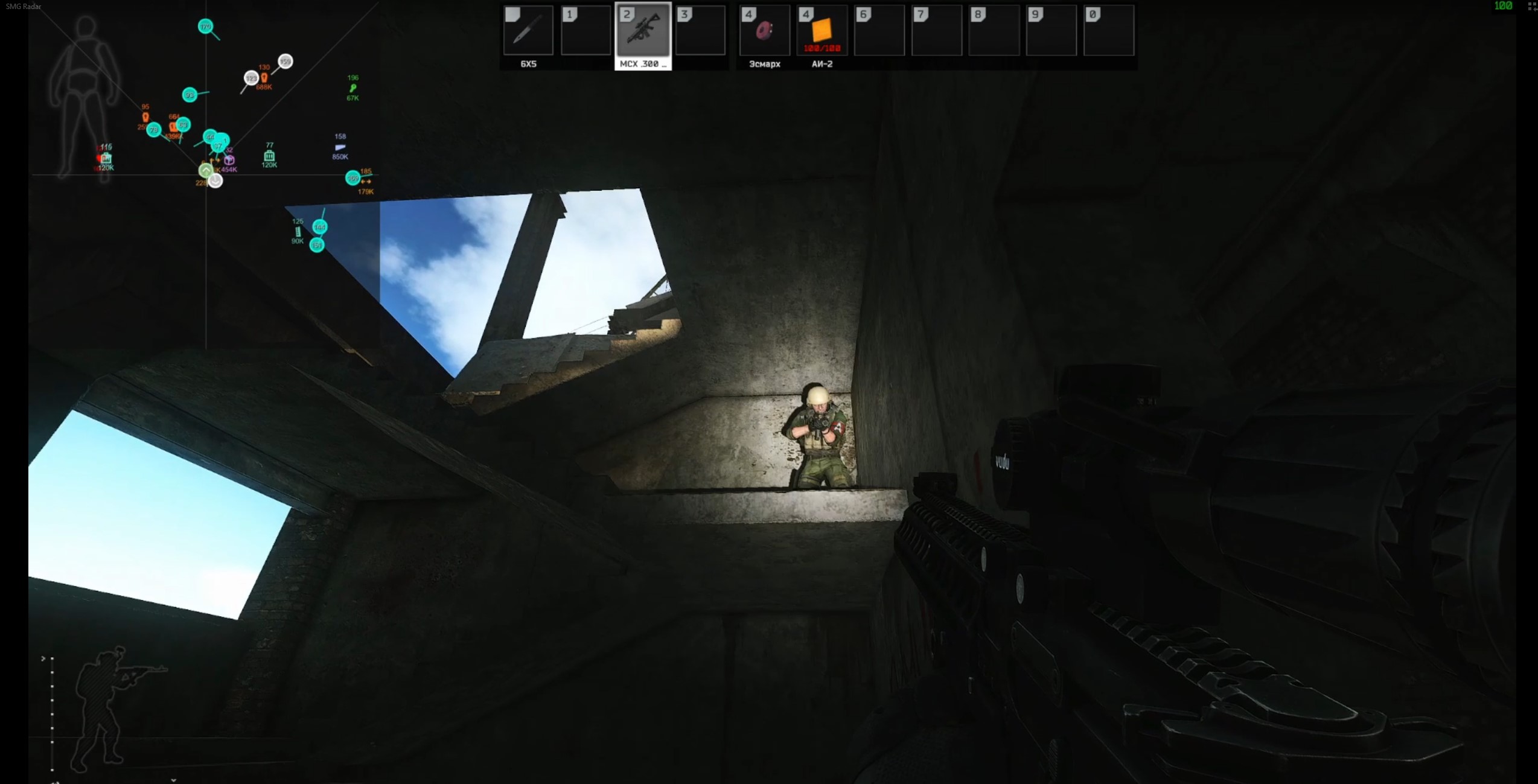
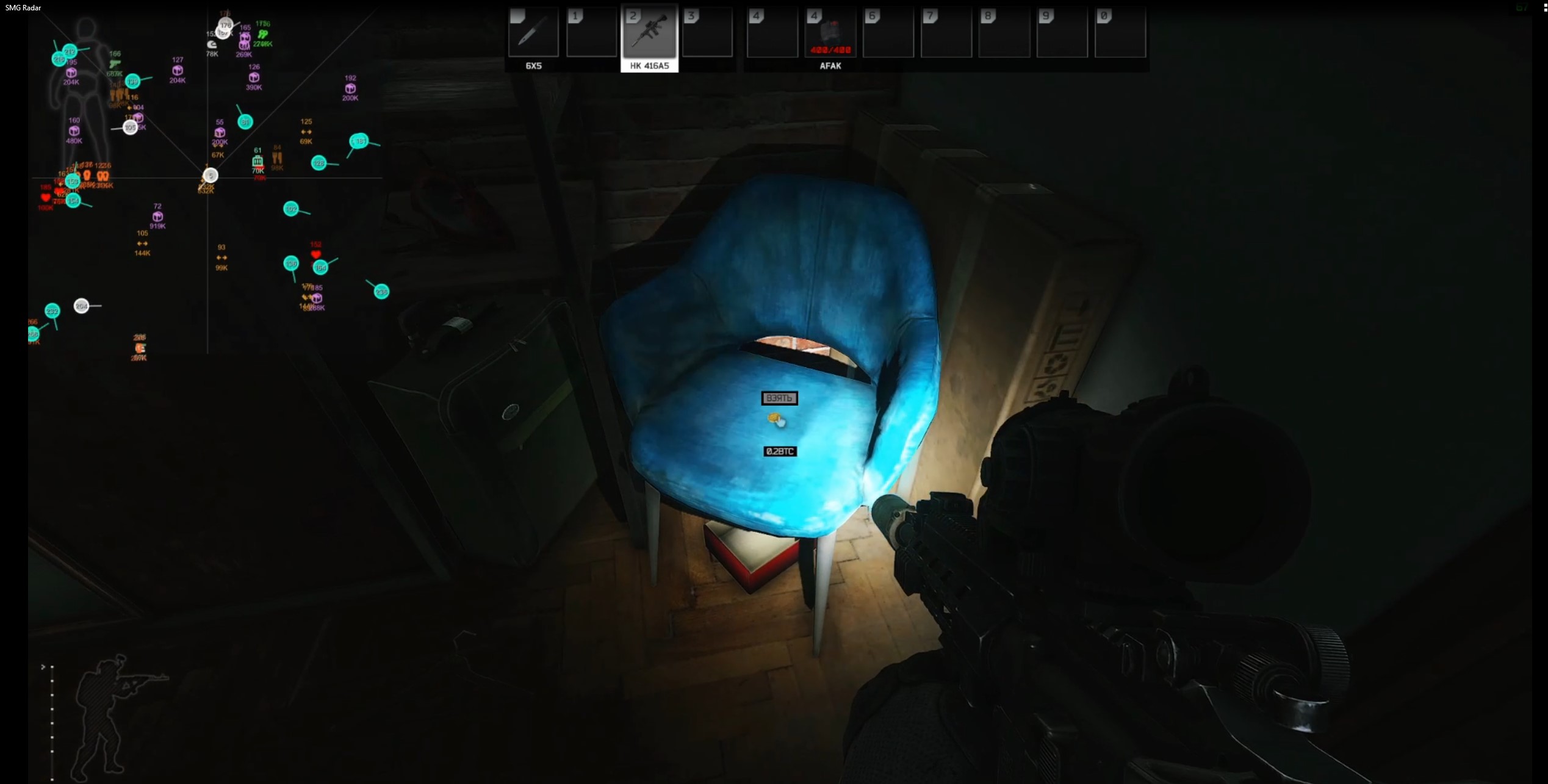
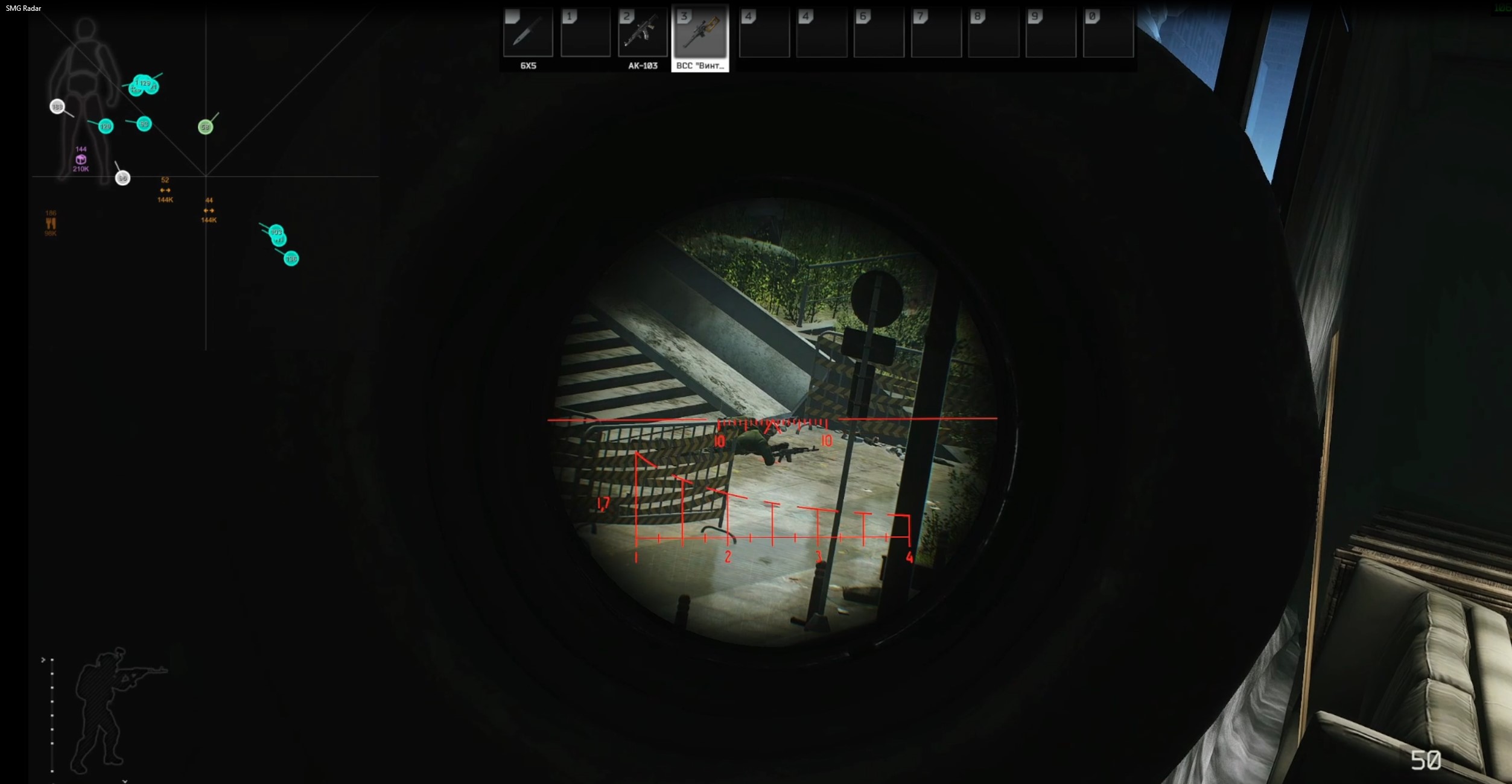
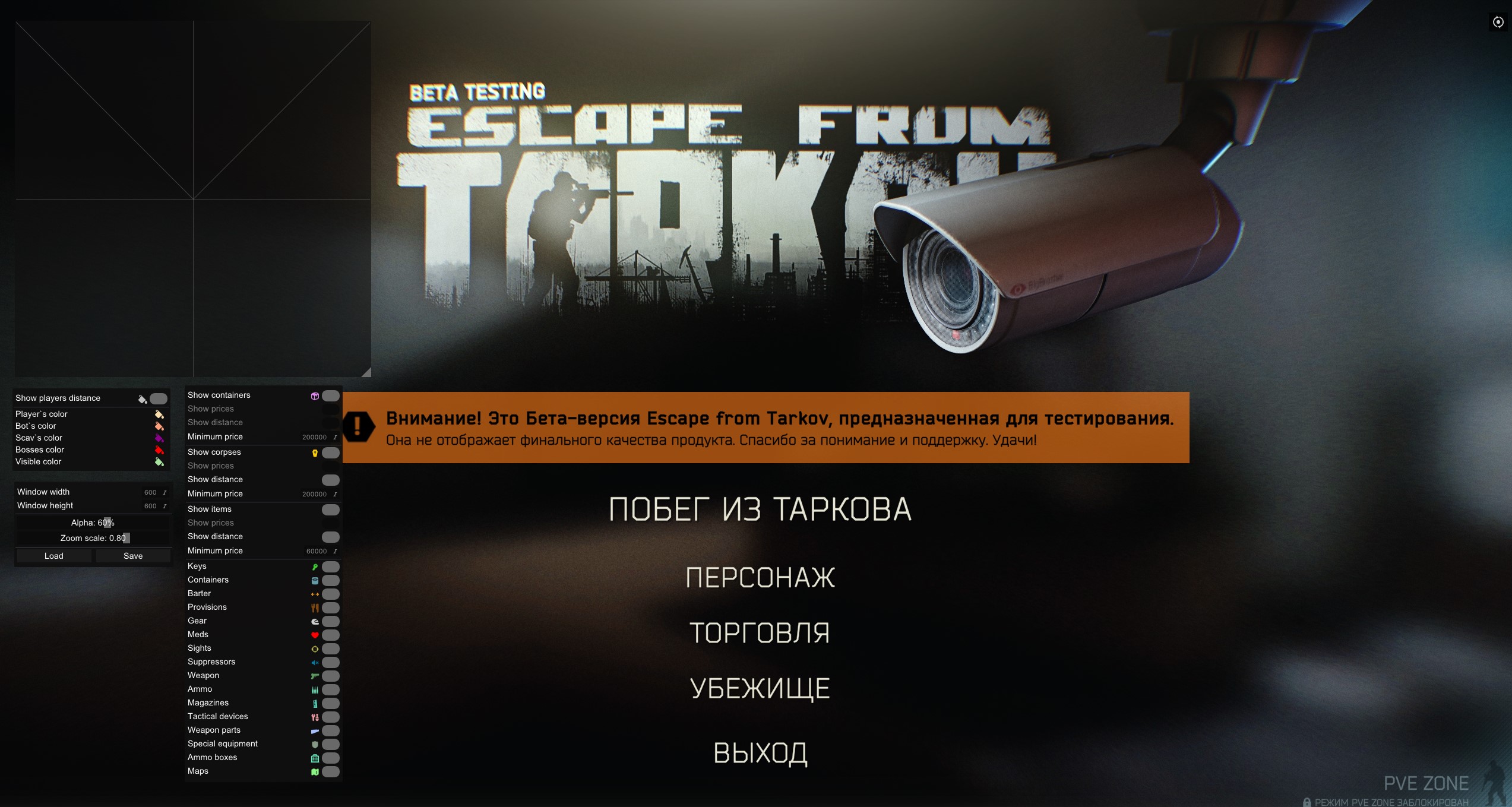
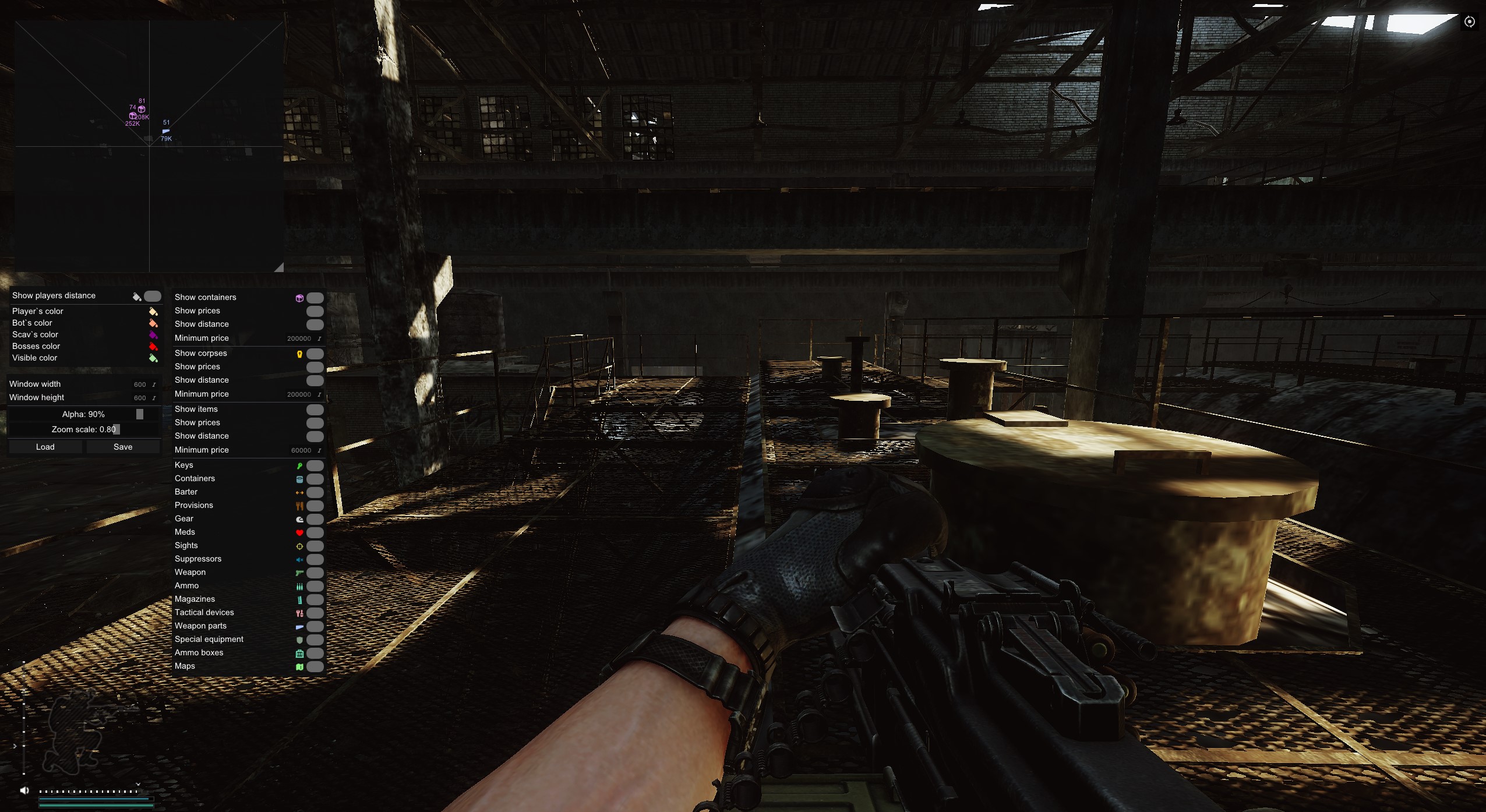
:)
SMG Radar: Your Personal Navigator for Escape from Tarkov
You love Tarkov for its tactical depth, but you don't want to risk it by running full-blown cheats? You want to know the map like the back of your hand, but you're tired of dying over and over because you don't know where the loot and extracts are? SMG Radar is the perfect solution.
SMG Radar isn't a cheat in the usual sense. It doesn't give you an Aimbot or player ESP. Its core function is to hand you the most complete and structured information about the map, loot and objects around you. You gain a strategic edge that fully fits your "legit" playstyle. It's the perfect tool for learning maps, optimizing farming routes and boosting your survival rate.
Product features
Smart Radar (Informer)
Container and Body Display
Scanner. Set the distance and types of displayed containers. See bodies with the value of their loot tagged on them, so you don't waste time on empty Scavs.Item Filtering
Economy. Set a minimum loot value so you only see what's worth grabbing. Detailed categories: keys, meds, suppressors, scopes and even maps.Player Display
Positioning
Tactics. See the distance to other PMCs on the radar. Customize marker colors to tell enemies from teammates in a split second.Settings and Comfort
Interface Customization
Make it yours. Adjust the width, height, opacity and scale of the radar window. Full Russian language support.Config System
Flexibility. Save and load setting profiles (for example, "Woods-Loot" or "Factory-PvP") for quick switching.Known issues & fixes
Real questions from our support, with the fixes that worked. Based on user requests for this product.
SMG radar doesn't work on Windows 11 25H2 , what to do?
This product supports only specific Windows builds. Build 25H2 is not supported , check the system requirements on the product page (press WIN+R and type winver to see your current version).
If your build is not on the compatibility list, the product cannot run on that system. Use a PC with a supported Windows version.
Error when extracting the archive or running the tool , what to do?
Use WinRAR to extract the archive. The archive password is: sordum.
- Download and install WinRAR if it is not already installed.
- Extract the archive using the password sordum.
- Run the program, click the Search button, and wait for it to finish.
- Take a screenshot of the result and send it to support if the issue persists.
SMG




