
Medusa Spoofer for EFT: private software for HWID control via SEED phrase!
 Medusa

User information
This spoofer includes a built-in cleaner. It automatically clears system traces and logs left behind by the anti-cheat, which significantly improves security and reduces the risk of getting banned again on a new account.
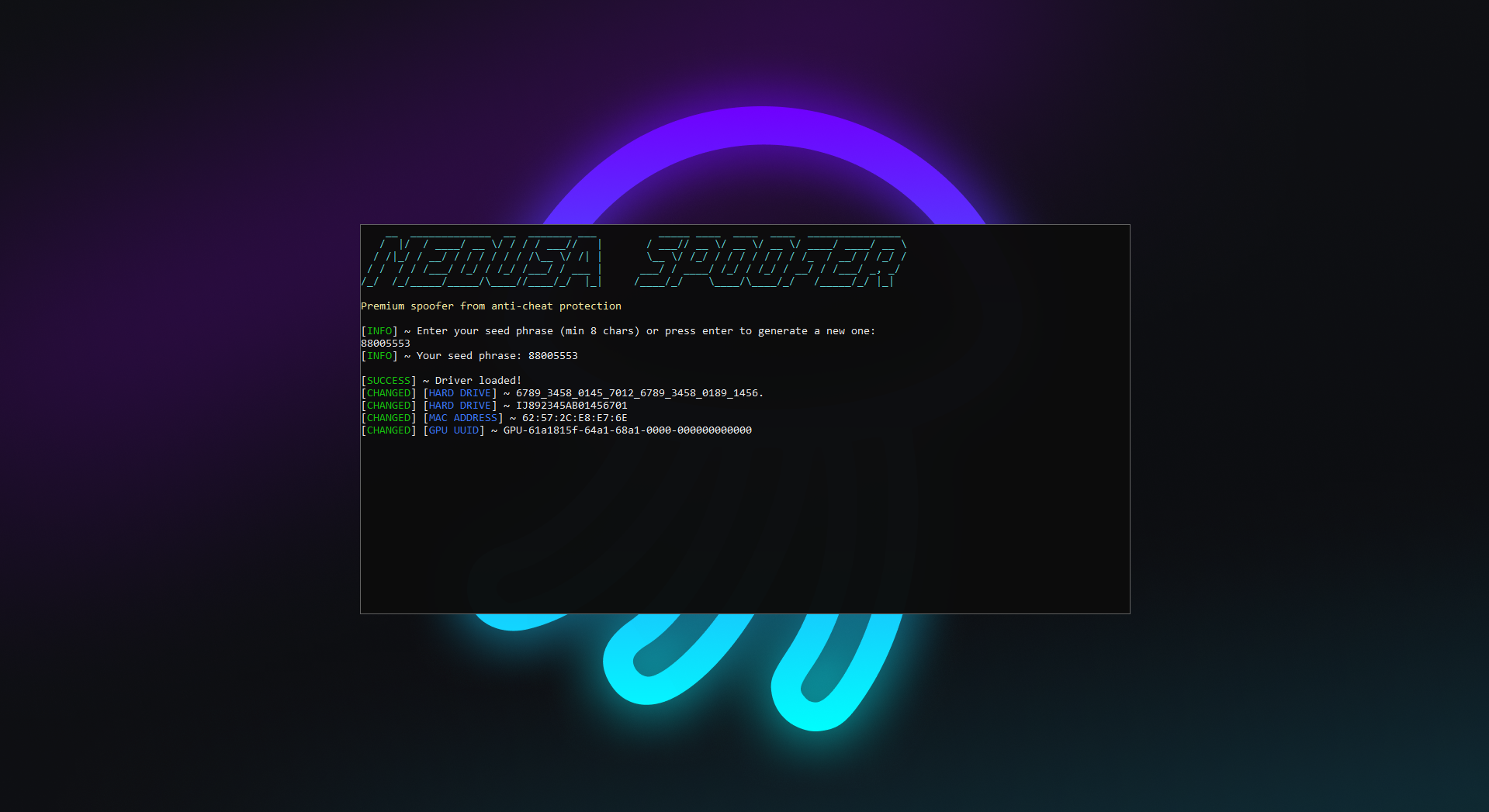
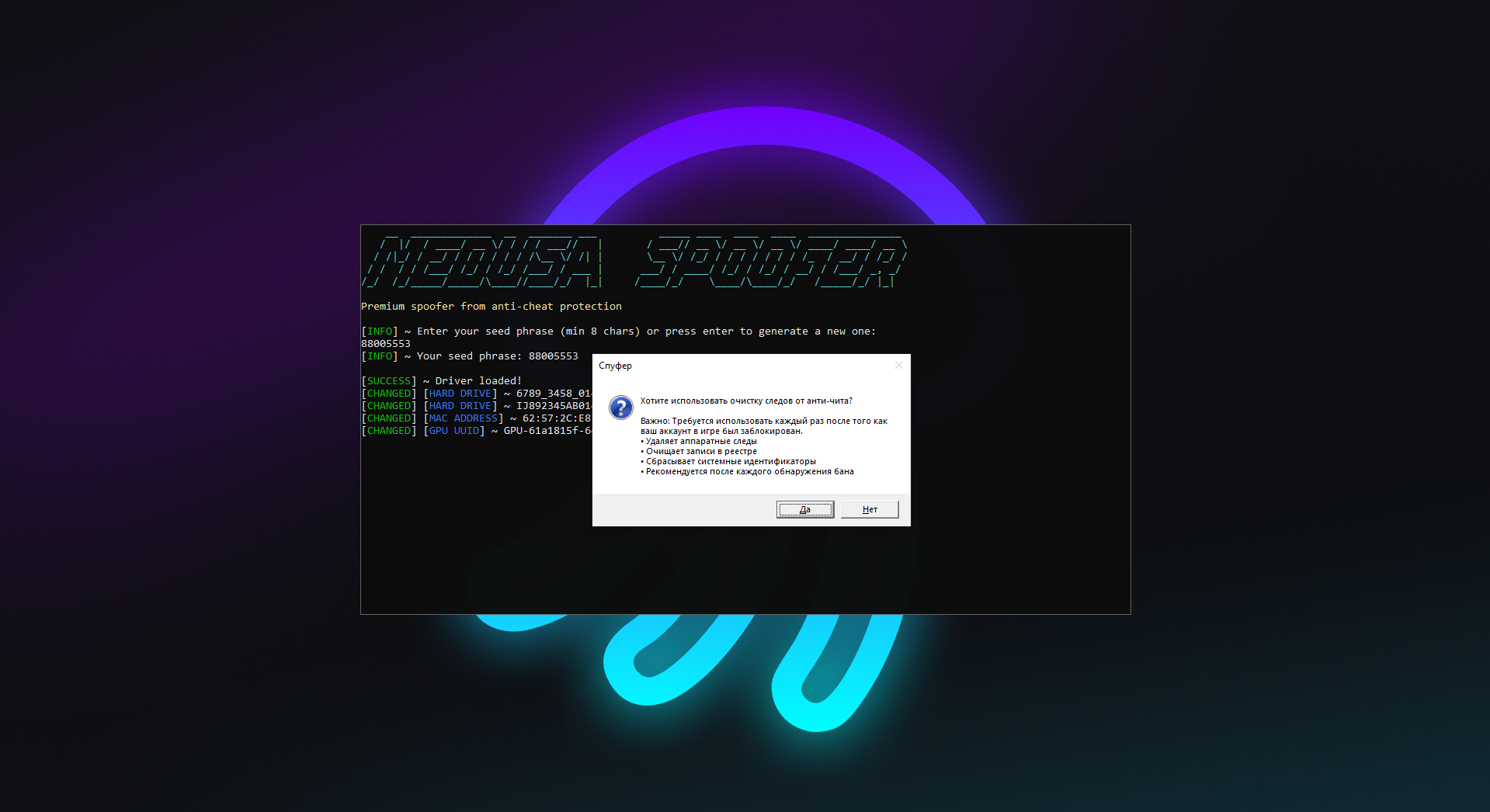
Meet the revolutionary Spoofer Medusa for EFT from the developer Lazy Cheat, giving you unprecedented control over your hardware ID (HWID). Forget random data generation. Now you decide exactly what your PC looks like in the eyes of the anti-cheat.
The key feature of this spoofer is the ability to set your own unique SEED phrase. This is your personal key that guarantees you always get the same HWID. No more worrying about your ID changing after every reboot, you get stability, predictability and full control over the ban bypass process.
Product features
SEED Spoofer (Controlled Masking)
Control via SEED
Your key. Enter any custom passphrase (SEED). The spoofer generates a unique HWID based on it. Use the same phrase and you get the same HWID. This gives stability for your accounts.Full control
Predictability. No more randomness. Keep one proven "clean" HWID for a series of new accounts, just remember your secret phrase.Changeable Data (Depth)
Spoofing List
All components. Masks HDD/SSD serial numbers, RAM identifiers, MAC addresses, GPU and motherboard data. Cleans key registry values, wiping traces of the past.Known issues & fixes
Real questions from our support, with the fixes that worked. Based on user requests for this product.
The cheat or loader won't start, throws an error, or crashes on injection — what should I do?
The most common causes are an unsupported Windows version or antivirus interference.
- Check that you're running a supported Windows version and build (see the list on the website).
- Add the loader folder to your antivirus exclusions and temporarily disable real-time protection.
- Restart your computer and try launching the program again.
If the error persists, contact support — a specialist will run a compatibility check and advise on next steps.
I keep getting a blue screen (BSOD) while using the cheat — how do I fix it?
Blue screens are usually caused by an unsupported Windows version or a conflict with system protection features.
- Make sure you're running a supported Windows version and install the latest system updates.
- Add the program to your antivirus exclusions and disable real-time protection.
- Restart your computer before launching again.
If the blue screens continue, contact support — you may need a system file repair and further diagnostics.
The cheat stopped working right after a game update — is it broken?
No, it's not broken. After a major game update, developers temporarily pause the cheat while they adapt it to the new version.
This usually takes anywhere from a couple of hours up to the end of the day. You can check the current status with support.
Loader shows update error or connection error when connecting to the server
Restart your computer. If the error persists, re-download the loader from the website and launch the fresh version , this resolves most connection issues after an update.
I bought a key for one Windows version but my PC runs a different one — can it be switched?
The key and subscription are tied to the Windows version selected at checkout. If your actual system is different (for example, Windows 11 instead of Windows 10), activation will fail.
You can't change the version on an existing key — you'll need to place a new order and select the Windows version that's actually installed on your PC.
Do I need to re-spoof the system every time I restart my computer?
Yes, you need to re-run the system binding every time you restart your PC — the setup isn't saved automatically between sessions.
If you skip this step after a reboot, the cheat may fail to launch or the key may not activate.
Do I need to run the Medusa spoofer for Escape from Tarkov again after every PC restart?
Yes, the HWID spoof does not persist across a PC restart.
After every reboot, run Spoofer Medusa again and re-spoof before launching the game.
Spoofer Medusa crashes or throws an error on launch on Windows 10
The archive password for the spoofer is sordum. Extract the archive, run the program, and click Search , wait for the scan to complete.
If the program crashes or shows an error on launch, follow these steps in order:
- Restart your computer and try again.
- Disable Core Isolation (Memory Integrity) in Windows Security → Device Security.
- Open CMD as Administrator and run:
sfc /scannow
DISM /Online /Cleanup-Image /RestoreHealth
Wait for completion, then reboot.
If none of the above helped, contact support for a remote assistance session.


 Join all games chat





