Arcane for Unturned: Aimbot, ESP and Freecam

Working
Top seller
Arcane Arcane
Last update 09.02.2026 This date shows when the software was last updated. An old date doesn't mean the software stopped working! Most likely the developer just had nothing new to add. If you have any doubts, you can always check the current status with our support team.
Add another cheat from this game too — to compare them.
Arcane for Unturned
Steam
Windows support: 10: all builds; 11: all builds
Menu language: English
Spoofer:No
USB drive:No
BIOS:No
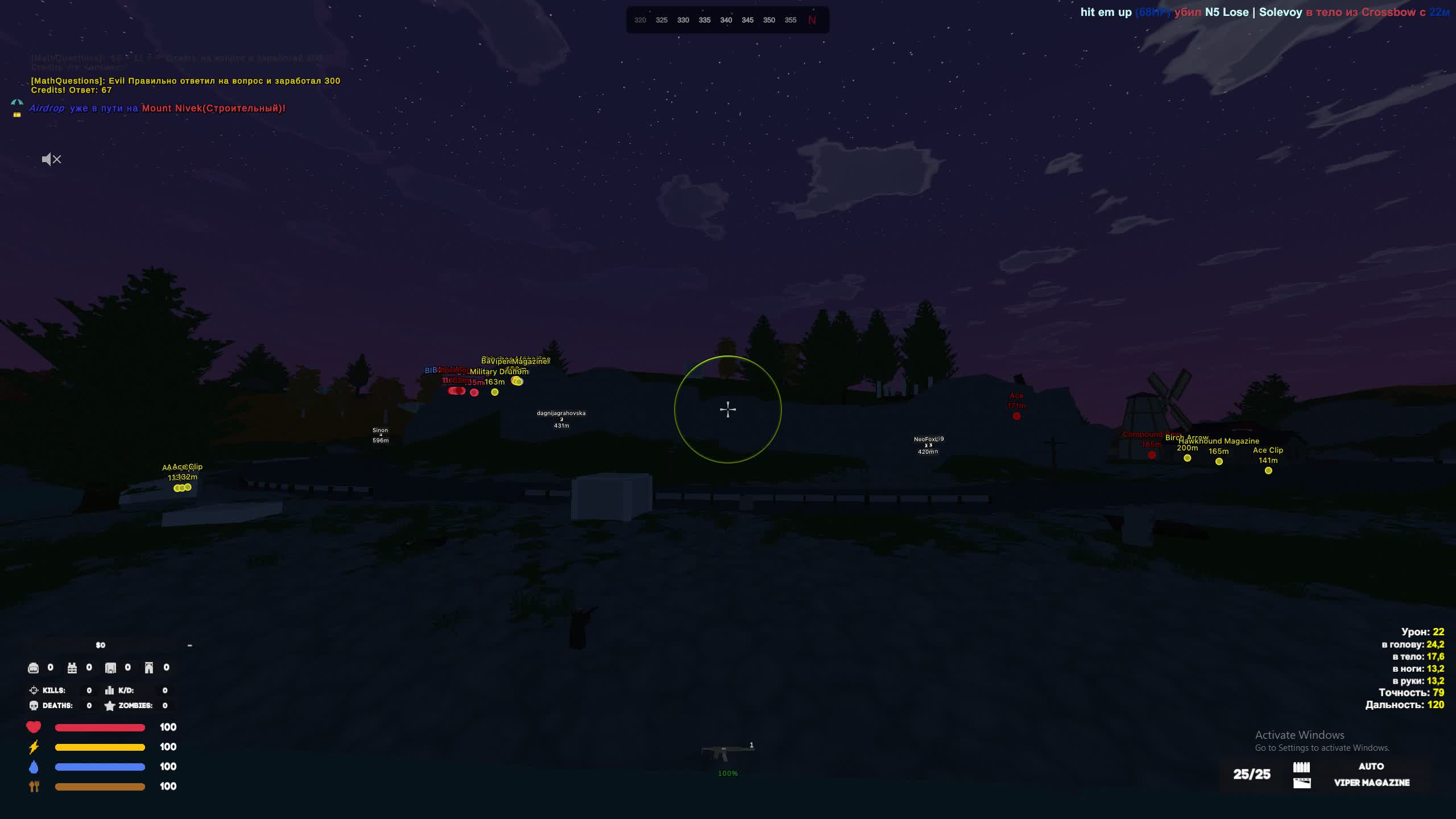
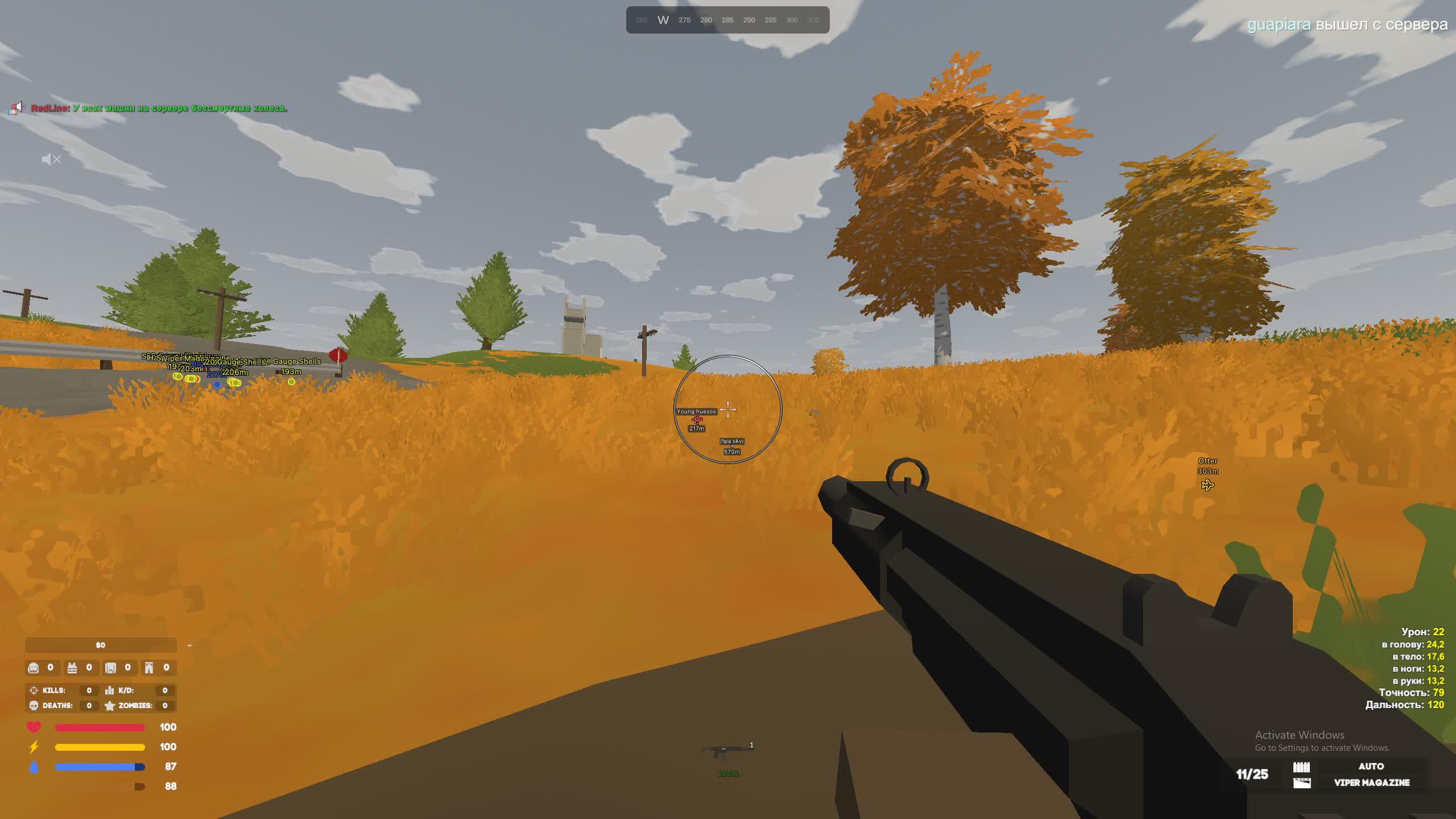
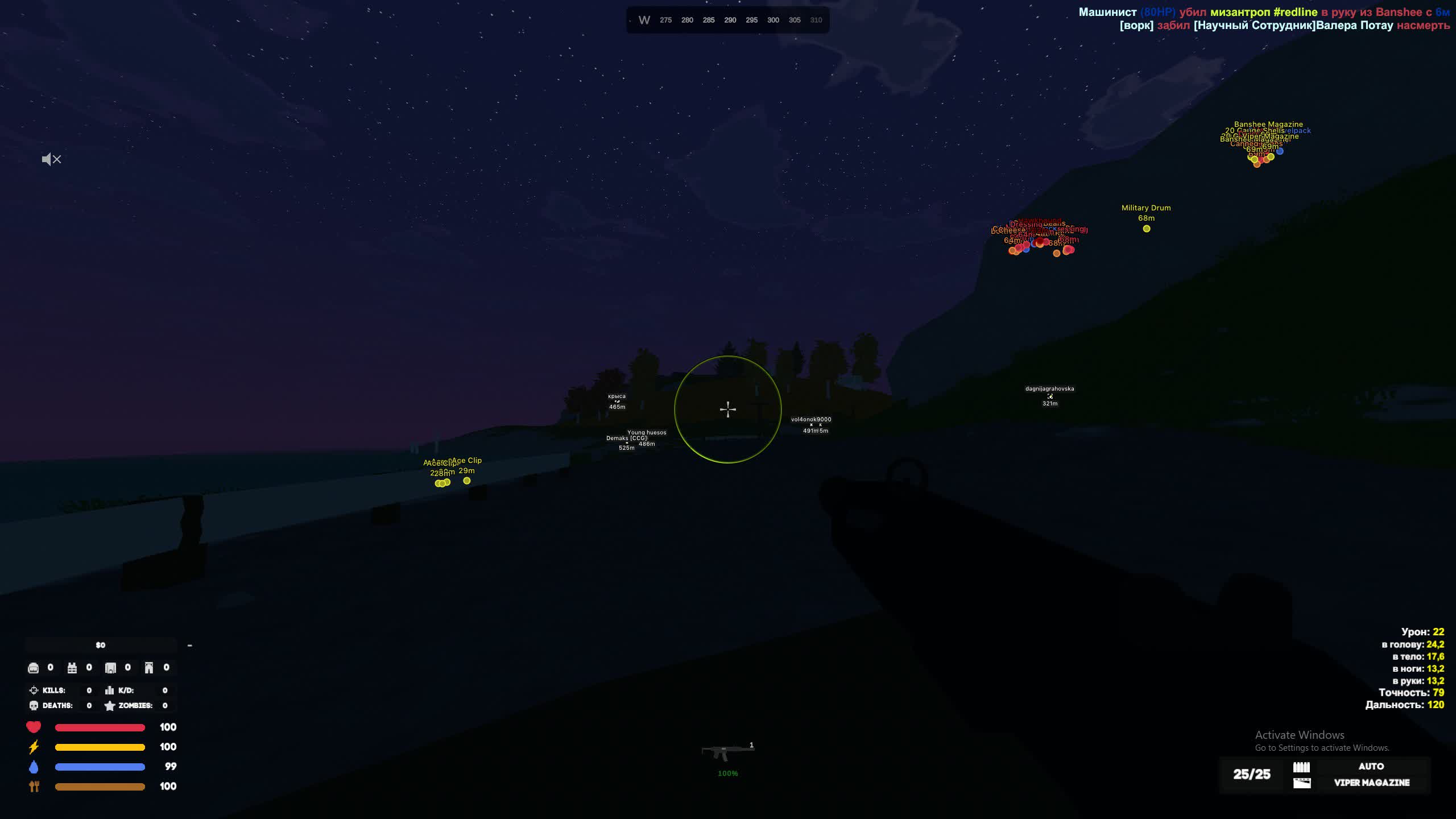
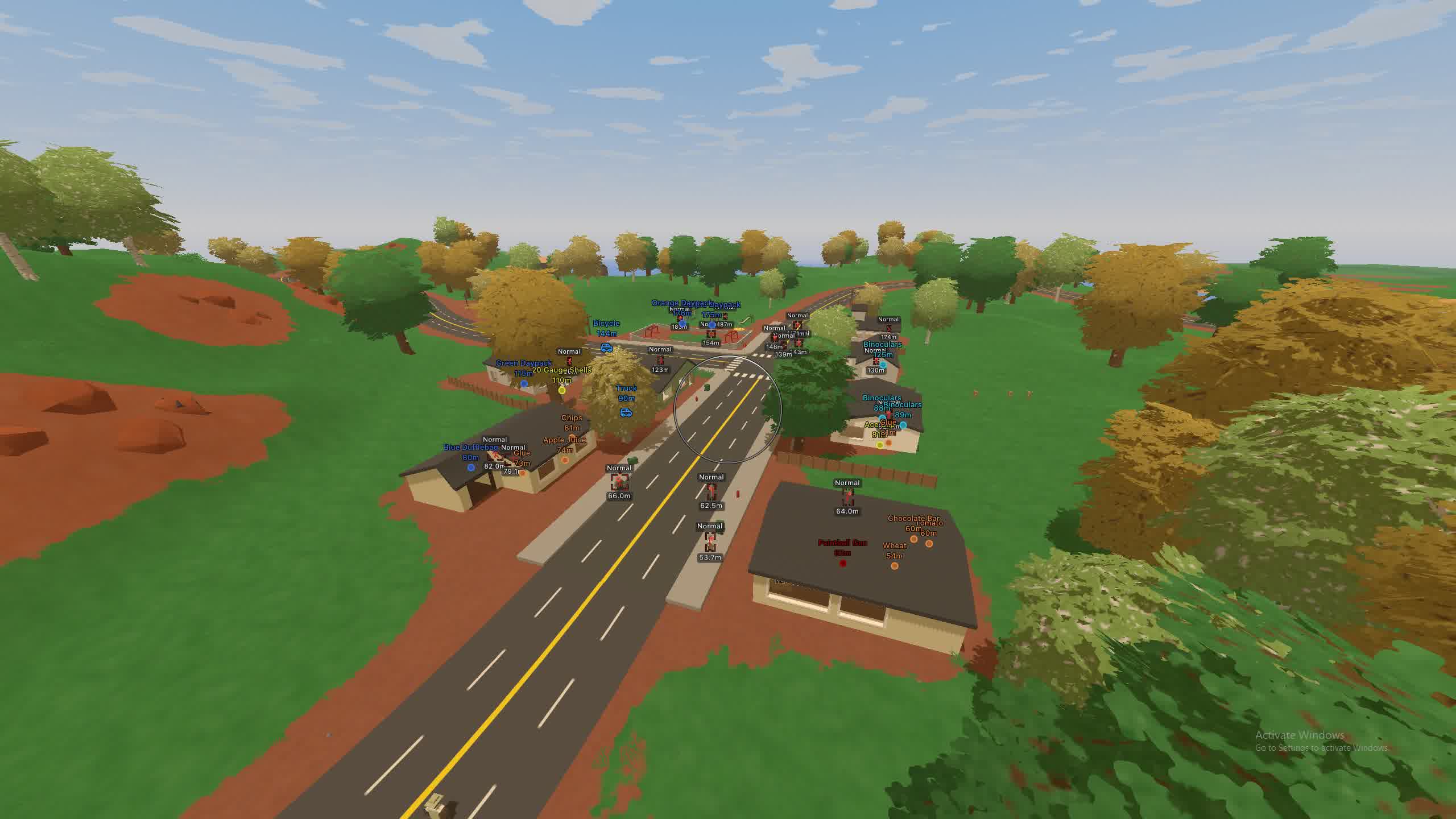
SCREENSHOTS
Description

Arcane for Unturned is a full software package that gives you total control over the match. It pairs a powerful combat module with an advanced visual system. With this Unturned cheat, you can tune your aim assist to fit any playstyle, from aggressive Rage to quiet Legit play with smooth, natural tracking.

What sets this product apart is how deeply you can filter objects. You can separately toggle the display of weapons, medicine, vehicles or traps. Extra utilities like the free camera (Freecam) and recoil removal (No Recoil) make survival and PvP far more comfortable. The menu supports Russian and lets you share configs through unique keys.

Product features

Combat Features (Aimbot)

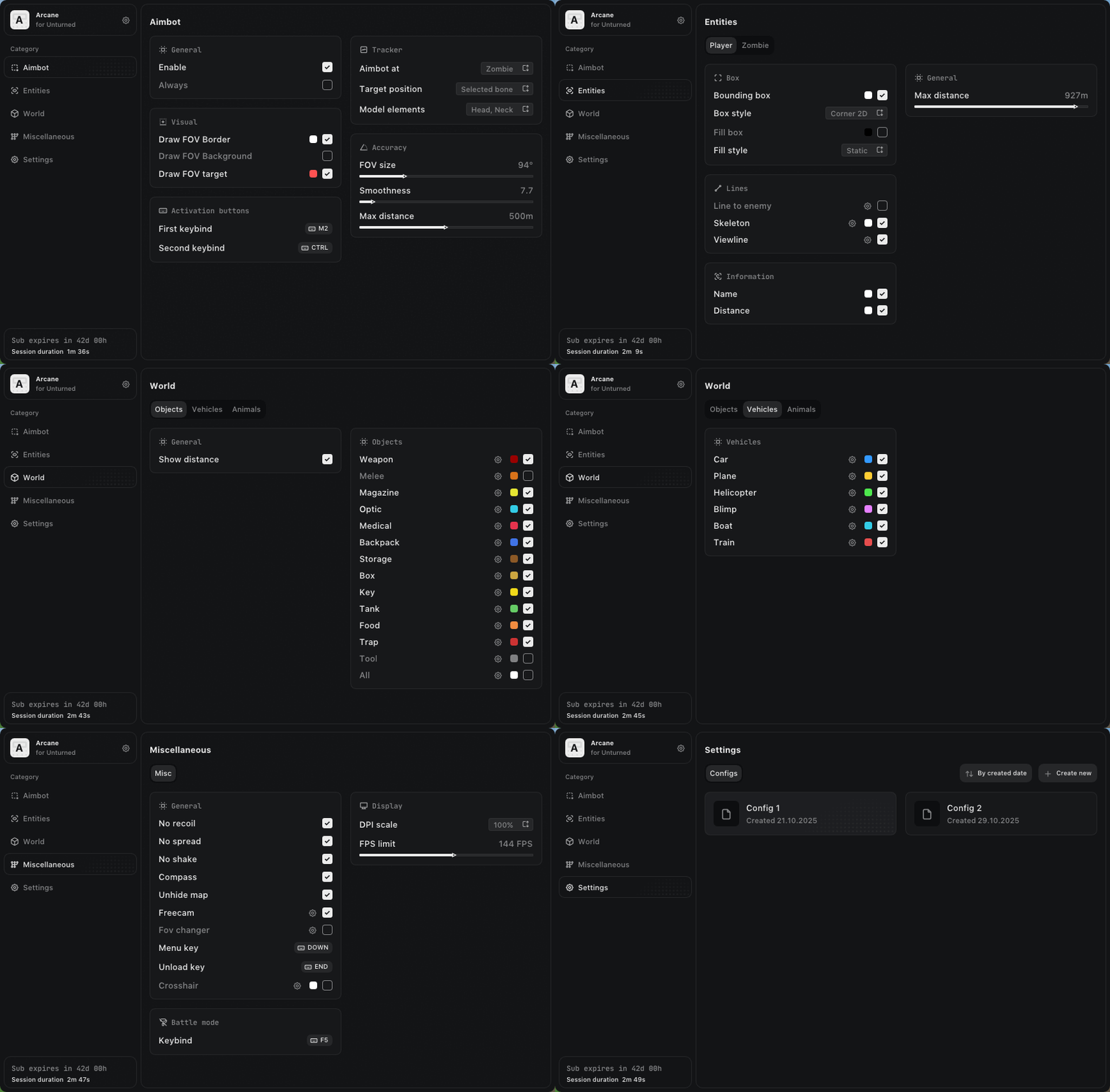
Aimbot Settings

Pick the activation mode (on key/always) and the target (players/zombies).

Targeting

Set bone priority: head, neck, body or random selection for legit play.

Visuals

Draw the working radius (FOV) and a current-target indicator.

Smoothness

Adjust aim smoothing to hide the fact you are using the cheat.

Visual Features (ESP)

Entity ESP

Show players and zombies: 2D boxes (with gradient), skeletons, names, distance and view lines.

Vehicles

Find vehicles: cars, helicopters, planes, boats and trains.

Objects Filter

Detailed loot filter: weapons, ammo, optics, medicine, food, storage and traps.

Misc

Weapon Mods

Recoil removal (No Recoil), spread removal (No Spread) and camera shake removal (No Shake).

Exploits

Free camera (Freecam) for scouting and map reveal (Unhide Map).

Utils

Compass, field of view changer (FOV Changer) and combat mode (Battle Mode).

Configuration

Cloud Configs

Create, save and load your settings. The Share feature lets you send a config to a friend by code.

Interface

Language selection (RU/EN/CH), menu themes and interface scaling.

Known issues & fixes

Real questions from our support, with the fixes that worked. Based on user requests for this product.

Cheat won't launch, what should I do before starting Arcane for Unturned?

Before launching the cheat, you need to remove hidden achievements using the Sordum utility. Archive password: sordum.

  • Download and extract the archive with the utility.
  • Run the utility and click Search.
  • Wait for it to finish and confirm it completed successfully.

After that, launch the cheat. If the issue persists, make sure the utility actually finished correctly.

All issues & general troubleshooting
TARIFFS
2$
BUY What happens after payment?
Got a question? Ask before you pay

We'll help you choose and sort out any launch issue. Ask us anything before buying, we're always on your side.

Support 10:00–22:00, sometimes we reply at night too
Ask a question

Available tariffs

1 day
2 $
START PURCHASE
7 days
6 $
START PURCHASE
30 days
12 $
START PURCHASE
Reviews about Arcane for Unturned
18 sales on Digiseller No text reviews yet — be the first to leave one.

Your review

Reviews are published after moderation.

Join our gaming community chat

Discuss current cheats from developers and how to use them effectively in popular online games. Share tactics, exchange useful info and find like-minded players in our community.

1 900+Members
24/7Online
Join our gaming community chat

Technical support

Run into a technical issue? Our team of experts will help. We handle all requests in a live queue, so please be understanding if it sometimes takes a little wait. We guarantee that no request goes unanswered.

Availabilityfrom 10:00 to 23:00
Fast responseIn queue order
Get help
Technical support
PROCHEAT

PROCHEAT news channel

Follow product status changes, update history and important announcements.

Subscribe

Adaptive Aim System

Arcane gives you a flexible Unturned cheat when it comes to combat settings. You can pick a specific body part to hit (for example, head only for one-shots) or set the Random Bone mode to look less suspicious. The Smoothness setting controls how fast the aim snaps to target: high values keep movements natural, low values make them instant. The FOV setting limits the aimbot's working zone so it never does a sharp 180 degree turn.

Full Map Awareness

The ESP in the Arcane Unturned cheat covers every part of survival. You see enemy and zombie skeletons through walls, which lets you read their stance and intentions. View lines warn you when an enemy is looking your way. Vehicle ESP is especially valuable, since it classifies each vehicle: you instantly see where a car is parked, and where there is a rare helicopter or blimp.

Detailed Item Filtering

Unturned has hundreds of items, and clutter on screen makes it hard to play. This Unturned cheat has a built-in advanced loot filter. You can turn on the display of only the critical categories: Medical (medkits), Weapon (firearms) or Storage (lockers and safes during raids). That lets you ignore the junk and hunt down resources for your base or for PvP.

Better Shooting and Movement Mechanics

The MISC section removes the game's technical limits. No Recoil and No Spread turn any weapon into a laser, killing recoil and bullet spread. That matters a lot when shooting at long range. The Freecam option lets you detach the camera from your character and safely scout the area around a corner or inside a locked base without risking a bullet. Unhide Map opens the whole map (GPS) even if you do not have the Chart item.

Convenience and Social Features

The Arcane developers built in a handy config management system. If you have dialed in the perfect Unturned cheat, you can generate a unique key (Get shared) and send it to a friend. All they have to do is enter the code to get the exact same settings. The menu is fully translated into Russian, supports theme switching (dark/light) and scales for 4K monitors, which keeps the software comfortable to use for any player.

Ask a question


