
 Join all games chat
Doors and camera zones
Lacoste labels door status and marks camera detection zones. Exits, bases and trader activity have their own markers. You can change settings for individual objects and export the object list for another profile.
 SMG

Feature score, not ban probability.
5 + 1 = 6 / 10
The strongest feature sets the base. Each other gameplay group adds 1 point, up to 2 extra. Overlapping features share a group; cosmetics add no bonus. Maximum: 10.
Our editorial scale of available features. It does not measure ban probability or which settings you use.
User information
SMG lists Windows 10 21H2–22H2 and Windows 11 21H2–23H2, Intel and AMD processors, and NVIDIA and AMD graphics cards. Run the game in windowed or borderless windowed mode.
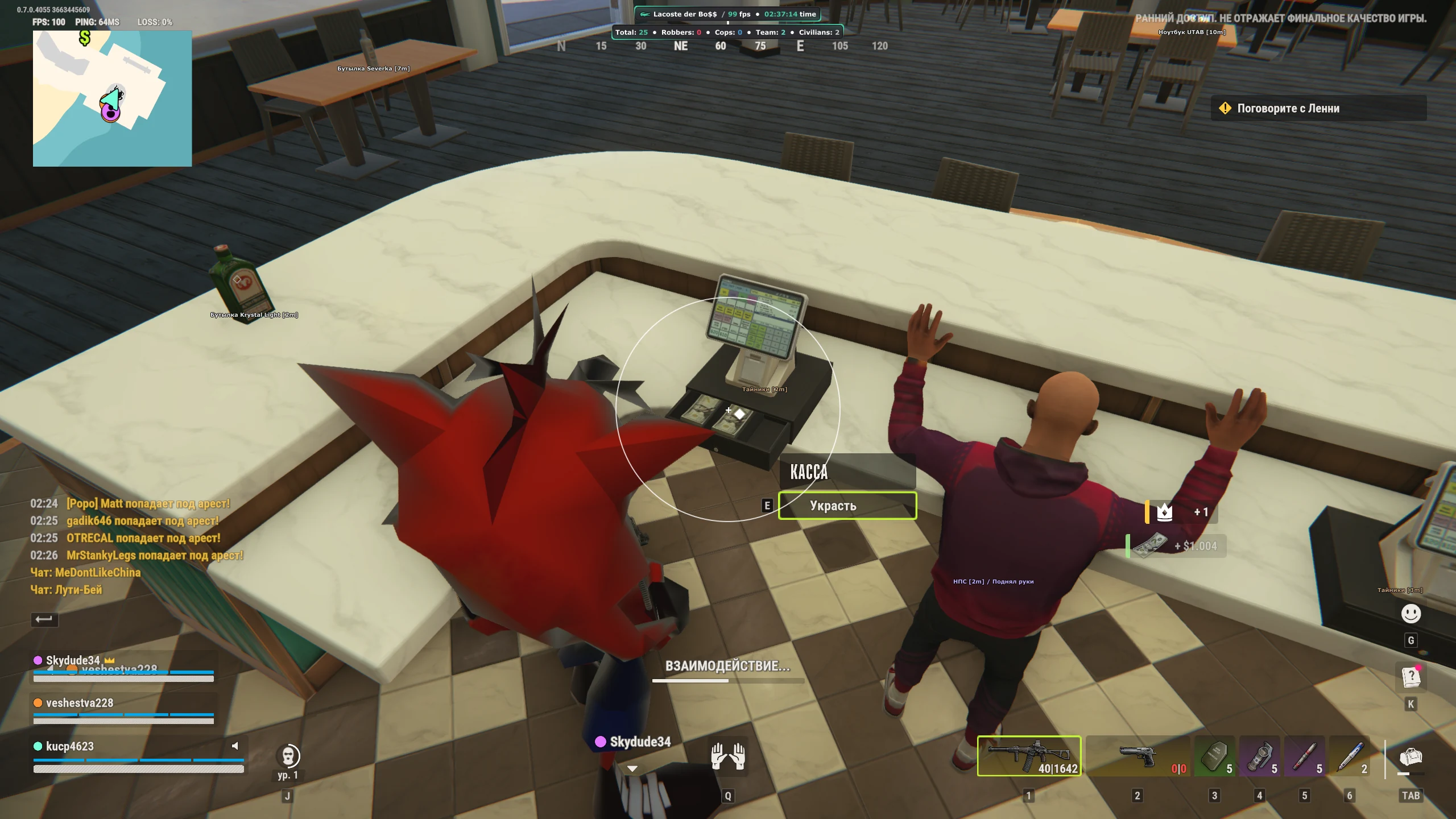
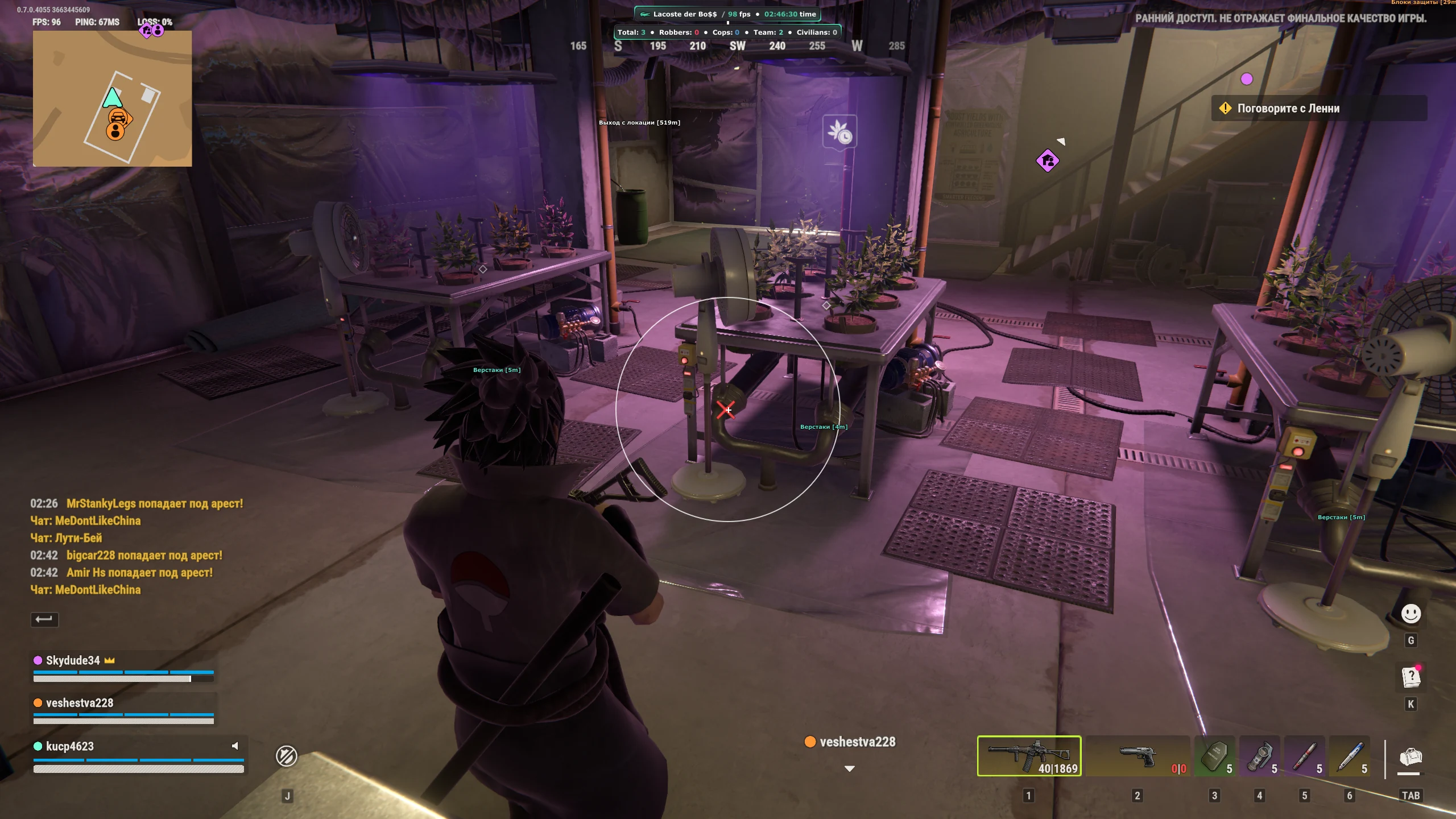
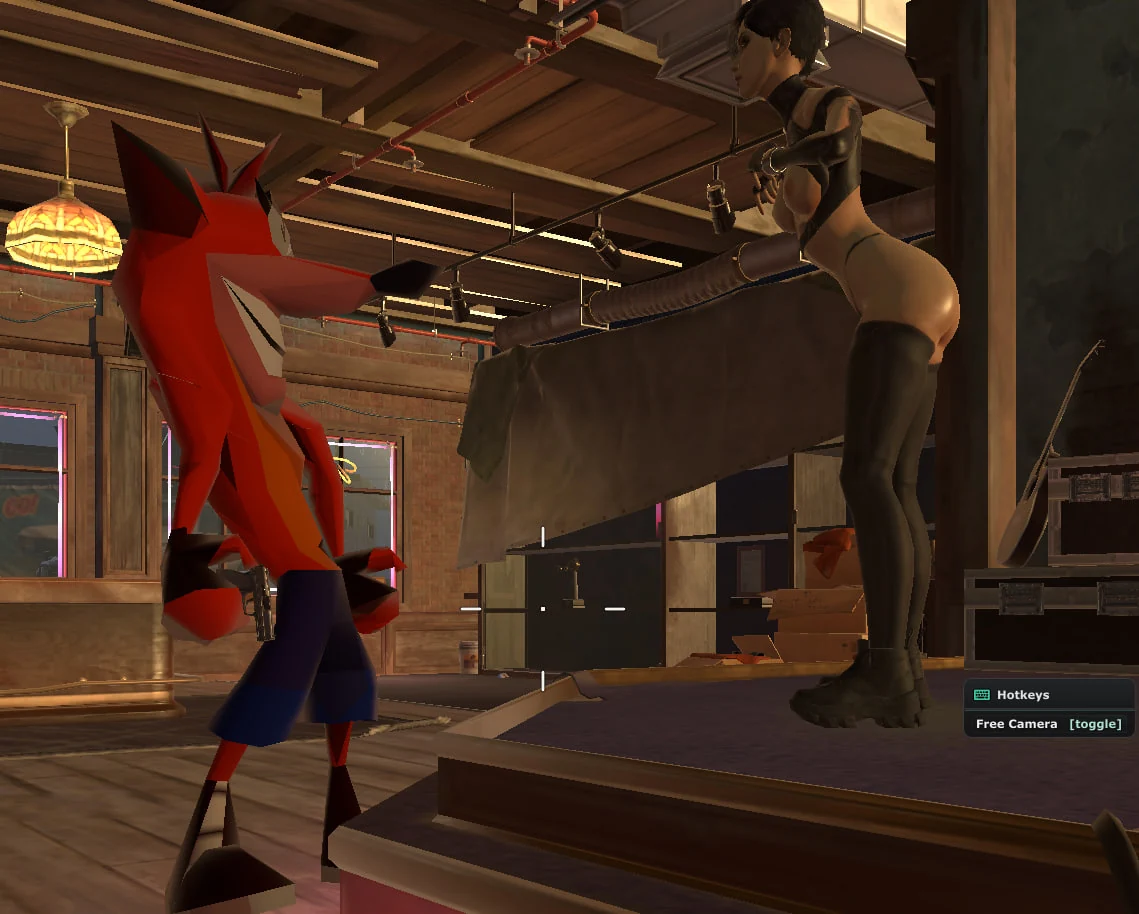
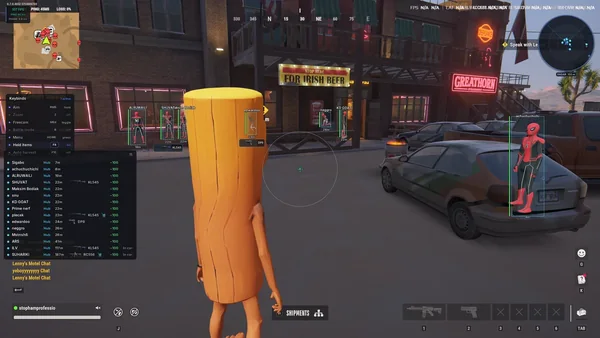
Lacoste shows what a container holds and how much its contents are worth. You can hide empty containers, filter ground loot by rarity and set a minimum sale price. In a fight, the aimbot and player ESP have separate controls. ESP can hide teammates, clan members and players sharing your vehicle.
Product features
Loot
Ground loot
Show items, change marker colors and display rarity labels and sale prices. Filter by item rarity, bag rarity or minimum sale price.Containers and bags
View container contents and total value, check loot rarity and see the bag owner's role. Hide empty containers.Searching and selling
Instant search, automatic looting and automatic selling.World
Objects and locations
See door status, camera detection zones, trader activity, exits, bases and grenades. Apply shared or per-object settings and import or export objects. Combat mode and world appearance controls are also available.Combat
Player ESP
Boxes, names, flags, weapons, skeletons, view direction, distance, visibility checks, off-screen arrows and model highlighting (chams). Set a distance limit and filter out teammates, clan members, players in the same vehicle or downed players.Aimbot
Enable or disable aim, assign a key, select an aim mode and toggle automatic fire. Adjust visibility checks, hit chance, target bones, target role, radius, smoothing and maximum distance. Show the aim radius or draw a line to the target in a color of your choice. Additional aim movement controls are listed under Humanizer.Local player and weapons
Character and weapon chams, player model replacement, crosshair and hit sound. Disable recoil, spread and sway.Display and settings
Effects and camera
Remove flash, smoke, fog and camera shake. Adjust field of view, zoom in or use the free camera.Menu and profiles
Set the menu key and DPI scale, choose interface elements and save, load, export, import or reset a configuration.Available tariffs
Why 8 / 10
7 + 1 + 0 = 8 / 10
The strongest feature sets the base. Each other gameplay group adds 1 point, up to 2 extra. Overlapping features share a group; cosmetics add no bonus. Maximum: 10.
Our editorial scale of available features. It does not measure ban probability or which settings you use.
 FOCUS

Why 8 / 10
7 + 1 = 8 / 10
The strongest feature sets the base. Each other gameplay group adds 1 point, up to 2 extra. Overlapping features share a group; cosmetics add no bonus. Maximum: 10.
Our editorial scale of available features. It does not measure ban probability or which settings you use.
 NN

Why 6 / 10
5 + 1 = 6 / 10
The strongest feature sets the base. Each other gameplay group adds 1 point, up to 2 extra. Overlapping features share a group; cosmetics add no bonus. Maximum: 10.
Our editorial scale of available features. It does not measure ban probability or which settings you use.
 Hidden

Why 6 / 10
5 + 1 = 6 / 10
The strongest feature sets the base. Each other gameplay group adds 1 point, up to 2 extra. Overlapping features share a group; cosmetics add no bonus. Maximum: 10.
Our editorial scale of available features. It does not measure ban probability or which settings you use.
 Absolute

 Win11 · 23H2
 Win11 · all builds
 Win11 · 23H2
 Win11 · 23H2
No reviews yet. Be the first to leave one.

Join our gaming community chat
Discuss current cheats from developers and how to use them effectively in popular online games. Share tactics, exchange useful info and find like-minded players in our community.




Technical support
Run into a technical issue? Our team of experts will help. We handle all requests in a live queue, so please be understanding if it sometimes takes a little wait. We guarantee that no request goes unanswered.





PROCHEAT news channel
Follow product status changes, update history and important announcements.
Subscribe
Lacoste labels door status and marks camera detection zones. Exits, bases and trader activity have their own markers. You can change settings for individual objects and export the object list for another profile.
Turn on the container contents and total value labels. You can also hide empty containers to clear their markers from the screen.
Set a minimum sale price for ground items. A separate rarity filter lets you narrow the selection further.
Export your configuration from the menu, then import the saved settings. The object list has its own import and export controls.