
 Unnamed



 Join all games chat






The Aim tab: where to start
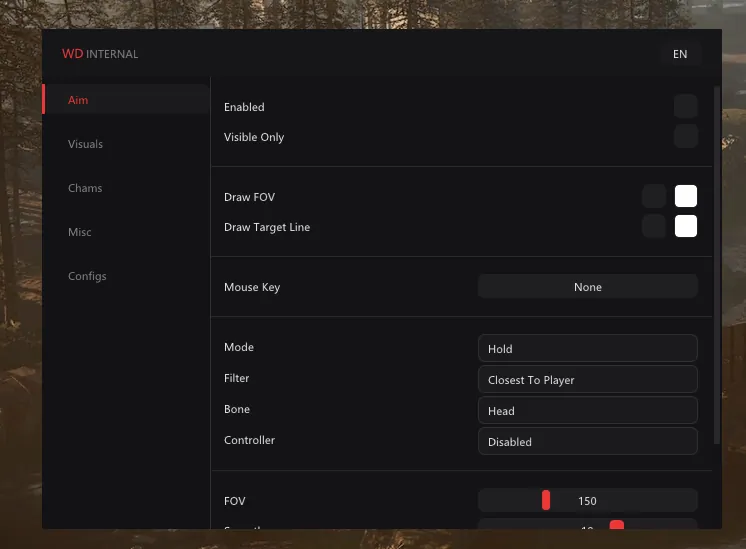
Enabled turns the aimbot on, and Visible Only limits the target list to enemies you can actually see. Leave that second box ticked, or the barrel will drag into concrete chasing someone who sits behind a wall. Mouse Key sets the aim button. In Hold mode the aimbot works while you keep it pressed.
Filter decides who to take when there are several enemies. Closest To Player picks the one nearest to you in metres. Bone sets the aim point, and the menu has it on the head. Max Distance cuts off targets beyond a set range, 1000 m for example.
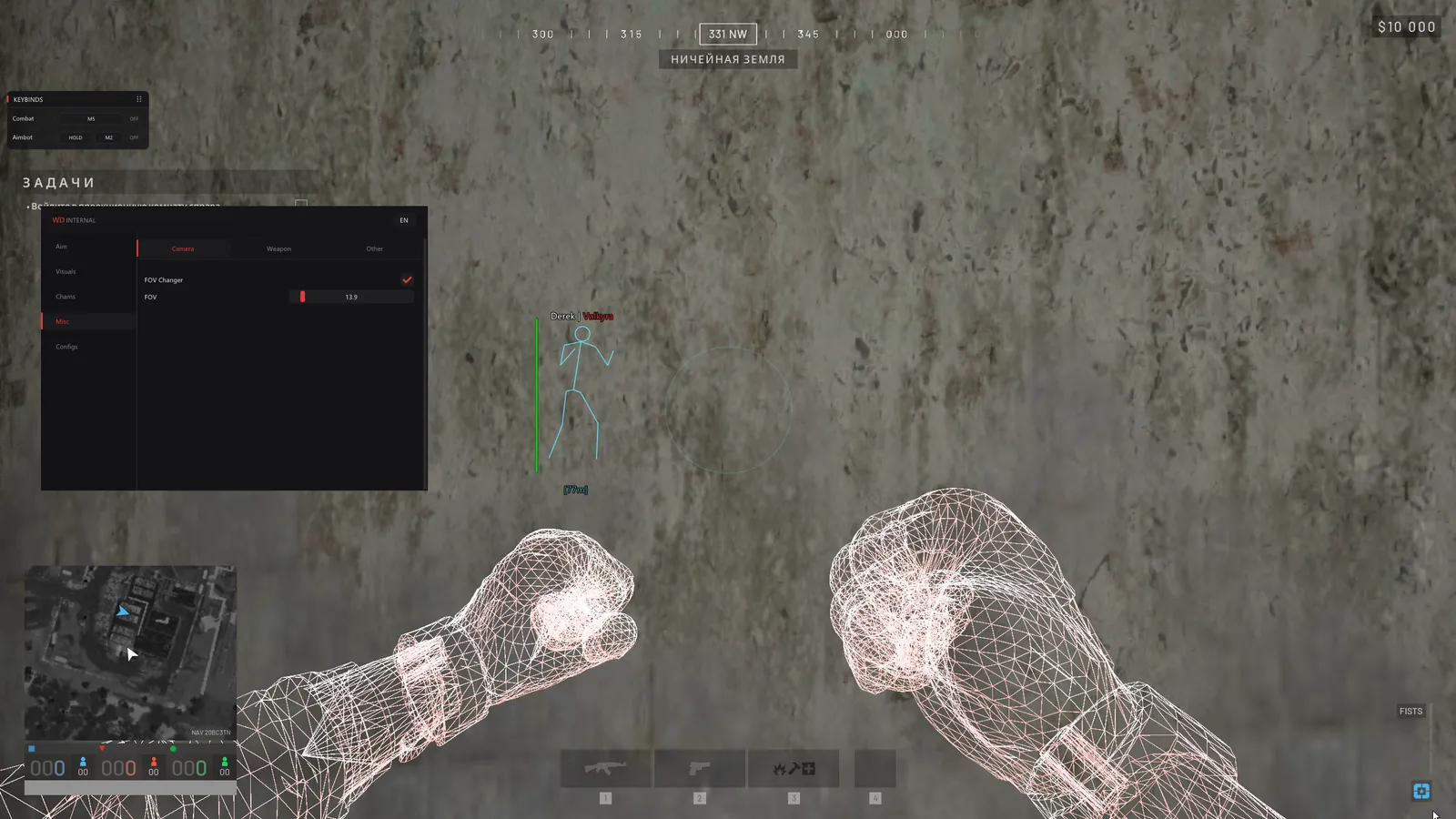
FOV sets the radius of the circle where the aimbot looks for a target, 150 in the menu. Draw FOV draws that circle, and Draw Target Line runs a line to whoever the aimbot has picked. Each has its own colour. The line helps in your first matches: you see straight away who the aim latched onto, which makes picking a radius easier. Most players switch it off later.