Oxide: Survival Island cheat for Android with aimbot and ESP

Frozen
Last update 30.07.2026 This date shows when the software was last updated. An old date doesn't mean the software stopped working! Most likely the developer just had nothing new to add. If you have any doubts, you can always check the current status with our support team.
Add another cheat from this game too — to compare them.
Wizard Oxide Android
Android
Menu language: English

User information

What you need

  • An Android phone that runs the game comfortably. No root needed.
  • The original Oxide installed from Google Play. The build runs on top of it, not instead of it.
  • LuLuBoxSuper. The link comes with your key.
  • A Google account to sign into the game.

Install order

  1. After payment the key and links to LuLuBoxSuper and the build arrive at the email you entered. There is no account area on the site.
  2. Install LuLuBoxSuper and the build.
  3. Add the original Oxide inside LuLuBox and launch the game from there.
  4. Sign in with Google, paste your key and pick a server.

It takes about five minutes if you do not mix up the steps. The first one trips most people: the game has to be launched through LuLuBox rather than its normal icon, otherwise the cheat menu never appears.

What to know about the functions

Some modules change what the server calculates rather than only what you see on screen. Those are noclip, Magic Bullet and fast bullets. The server checks them in part, so leaving them on around other players is a bad idea. ESP, aimbot and auto farming are calmer in that respect.

If the key does not arrive within a few minutes, check your spam folder and message support.

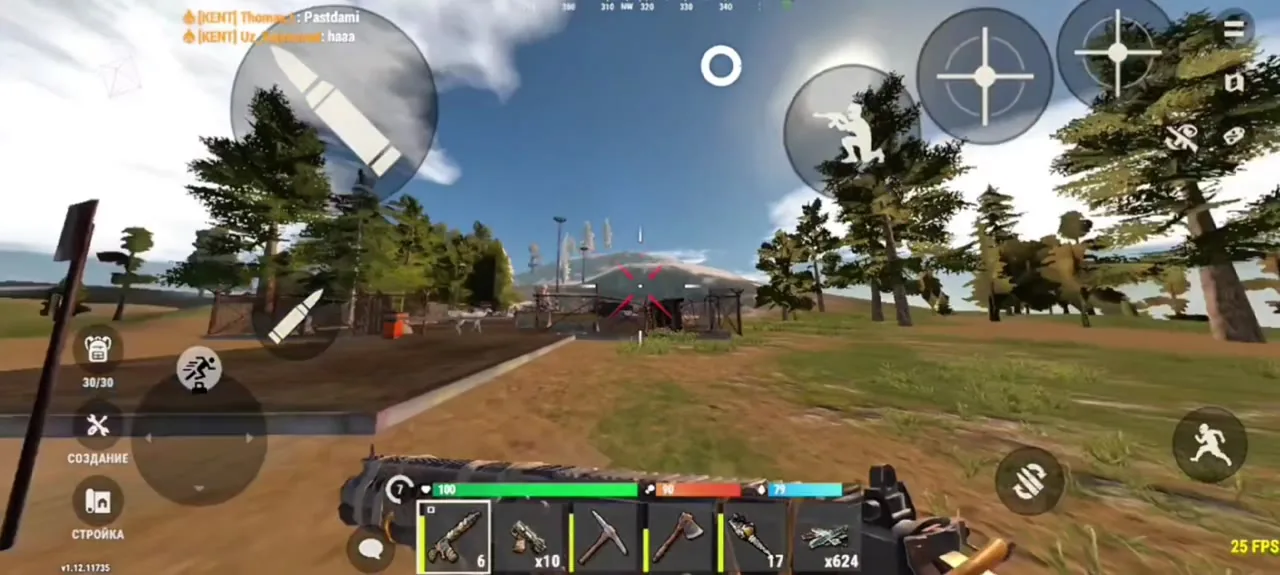
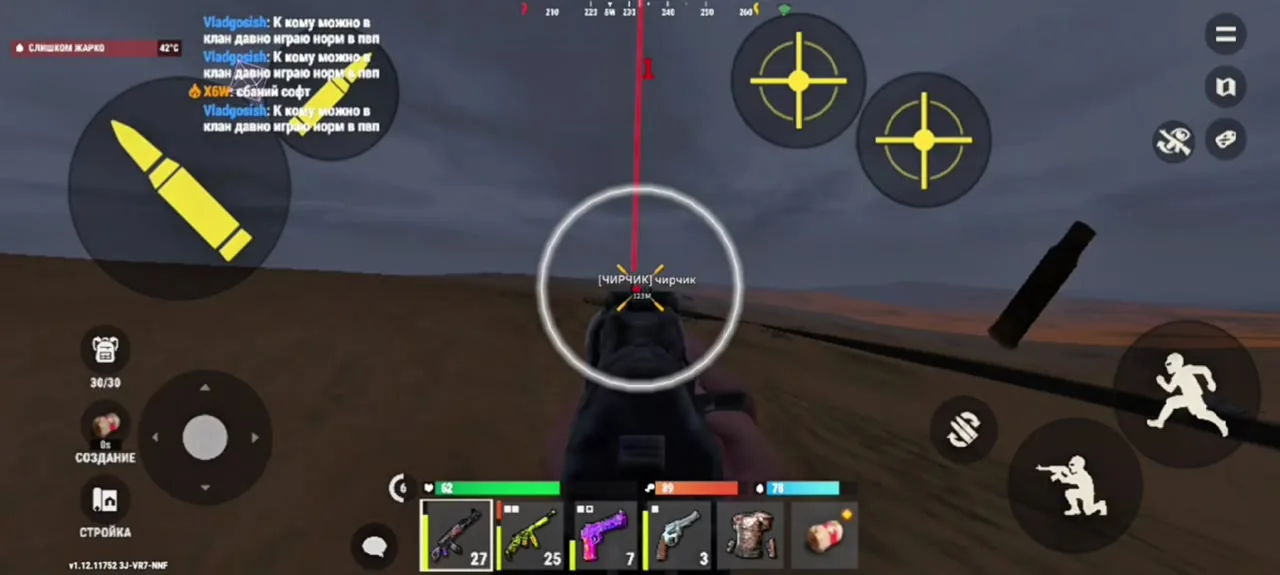
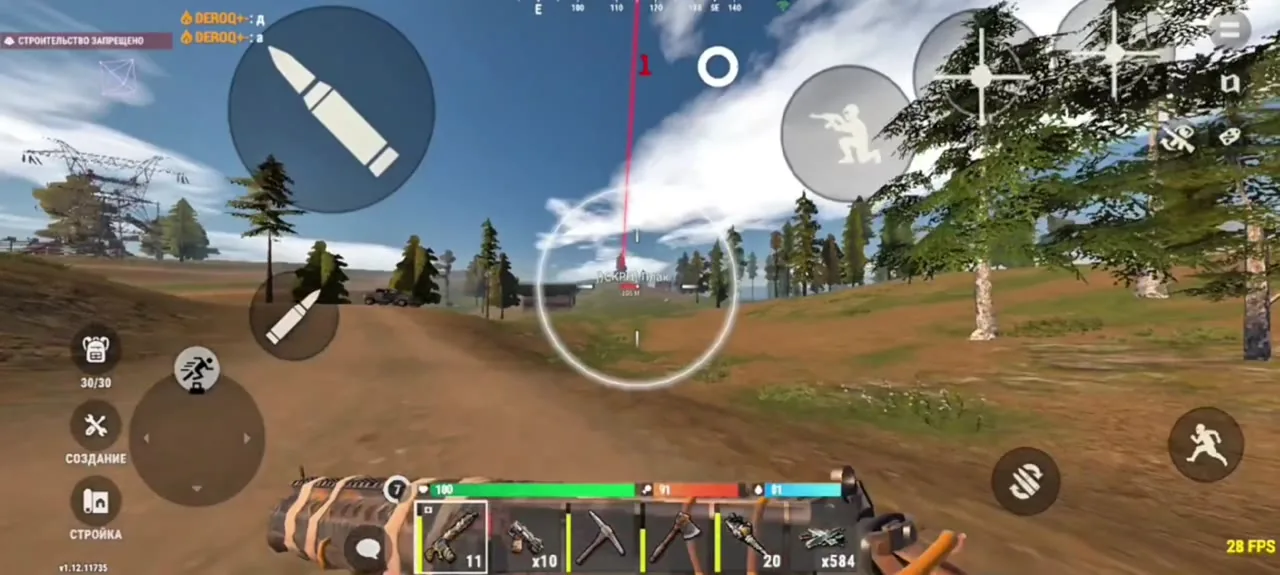
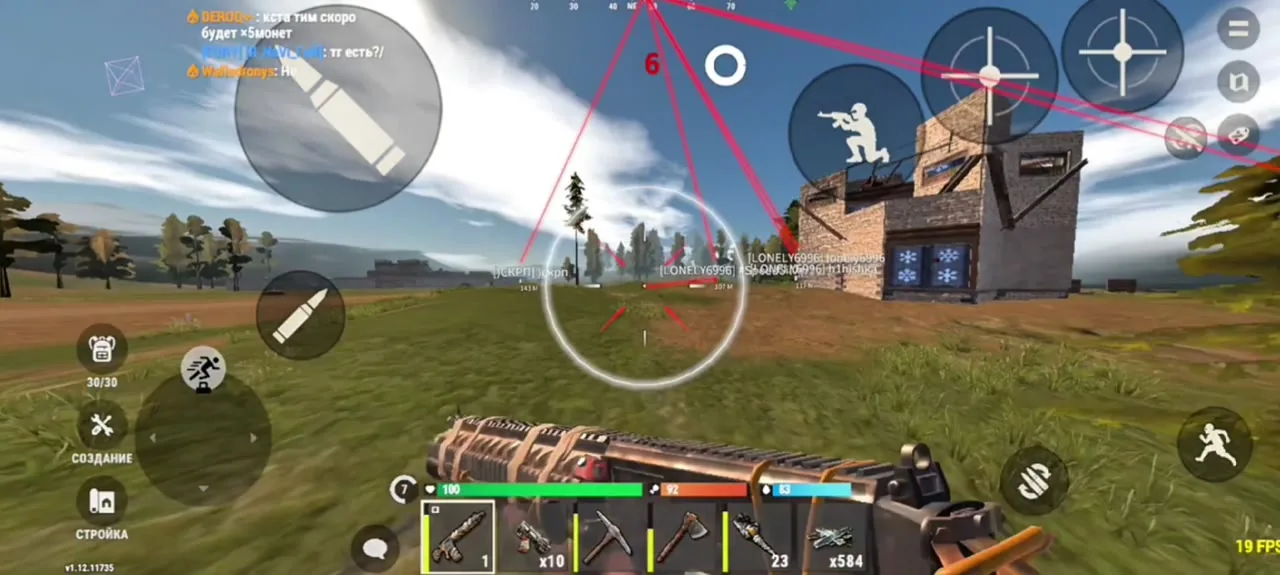
SCREENSHOTS
Description

An Android build for OXIDE: Survival Island. It covers the three things that cost you the most in a mobile survival game: shooting with your fingers on glass, the neighbour you cannot see behind a wall, and hours of grinding stone and wood.

No root required. Your phone is not reflashed and does not lose its warranty: you take the original game from Google Play and the build hooks into it through LuLuBoxSuper. Banking apps and everything else keep working as before.

A word on auto farming, because people often read it wrong. It does not conjure resources and it does not touch the server side balance. It swings at stone, wood and metal for you, so it saves time rather than breaking the server economy.

Product features

Combat

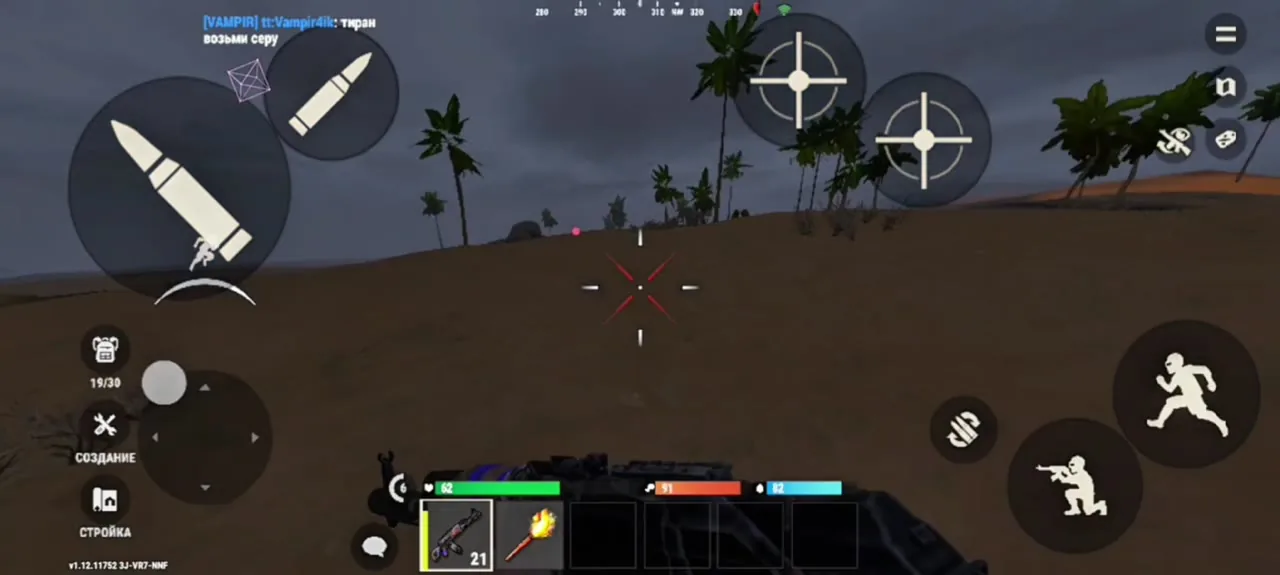
Aimbot

Locks your crosshair onto a player. This matters more on a phone than anywhere else, since holding accuracy with your fingers on glass during a fight is close to impossible.

Auto fire

Opens fire once a target enters the capture zone. Removes the gap between seeing someone and managing to tap.

No recoil

Kills the muzzle climb so bursts land flat at any range.

No shake

Stops the camera sway while shooting and running. Most noticeable on long bursts.

Magic Bullet

Helps rounds reach the target even when your aim is off. One of the modules the server partly checks, so do not lean on it.

Fast bullets

Raises projectile speed, which makes running targets easier to hit. Also server checked, so use it with care.

Vision

ESP through walls

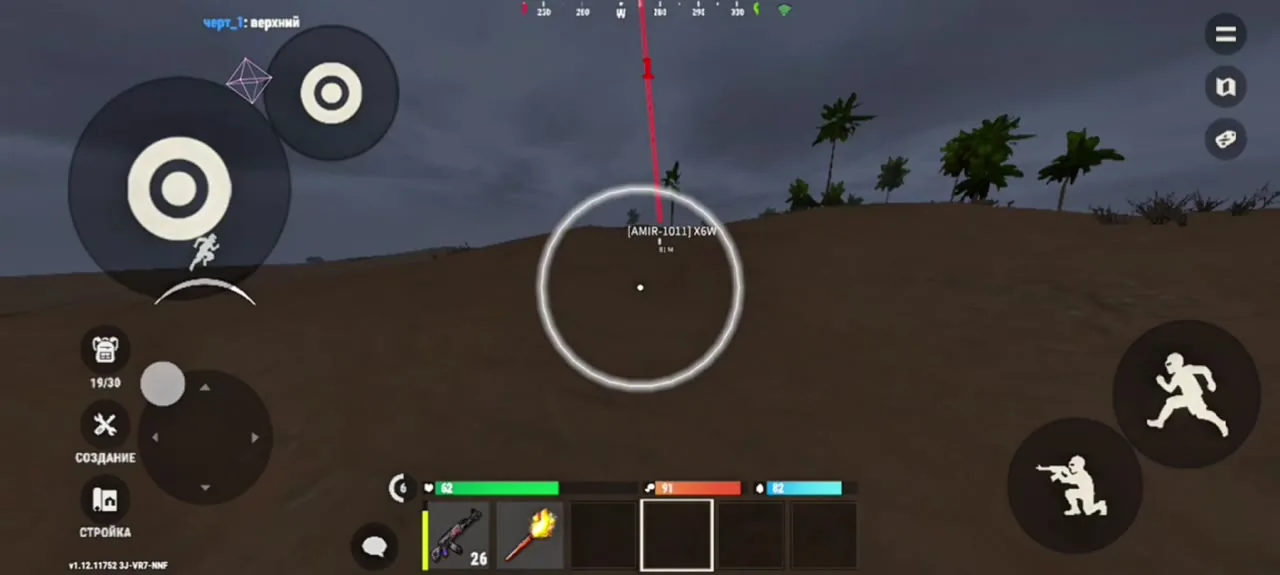
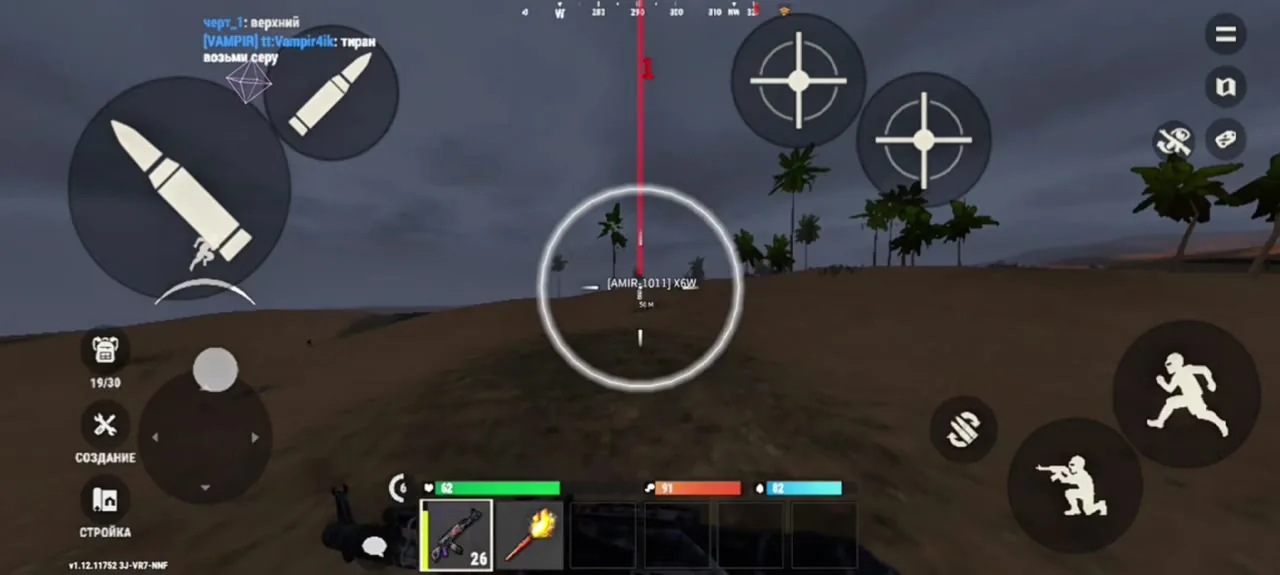
Shows players through walls, rock and structures. In a survival game that is the whole advantage: whoever sees first starts the fight on their own terms.

Noclip camera

A debug camera that looks through obstacles so you can scout a base before raiding it. Flying it in front of people collects reports fast.

Farming

Auto farm

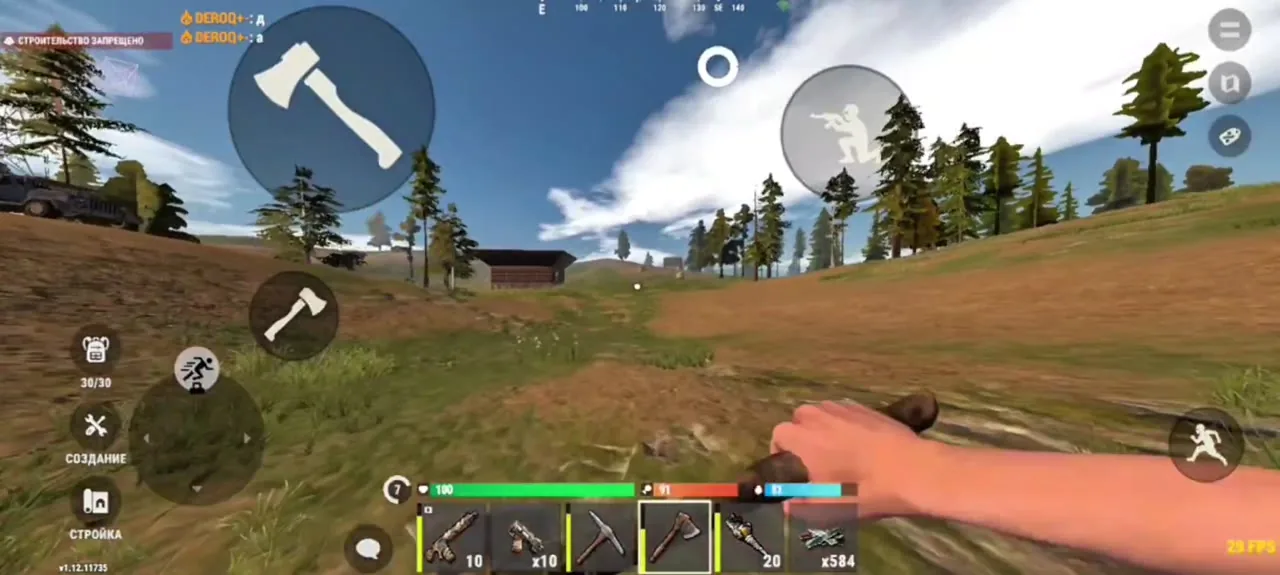
Swings at stone, wood and metal on its own. It removes the longest chore in the game, especially in the first hours after a wipe when everything depends on gathering.
TARIFFS
400

Subscribe to learn when this product is updated.

Got a question? Ask before you pay

We'll help you choose and sort out any launch issue. Ask us anything before buying, we're always on your side.

Support 10:00–22:00, sometimes we reply at night too
Ask a question

Available tariffs

1 day
400
SUBSCRIBE
Reviews about Wizard Oxide Android

No reviews yet. Be the first to leave one.

Your review

Reviews are published after moderation.

Join our gaming community chat

Discuss current cheats from developers and how to use them effectively in popular online games. Share tactics, exchange useful info and find like-minded players in our community.

1 900+Members
24/7Online
Join our gaming community chat

Technical support

Run into a technical issue? Our team of experts will help. We handle all requests in a live queue, so please be understanding if it sometimes takes a little wait. We guarantee that no request goes unanswered.

Availabilityfrom 10:00 to 23:00
Fast responseIn queue order
Get help
Technical support
PROCHEAT

PROCHEAT news channel

Follow product status changes, update history and important announcements.

Subscribe

What the build changes on a phone

The modules fall into three groups, and each carries a different cost. Here it is laid out honestly, because the group decides how comfortably you can leave something switched on.

Modules, what they give and how risky they are
Group What is inside What it gives Risk
Vision ESP through walls, noclip camera You see the enemy before they see you Lowest, as long as you do not fly the camera in public
Shooting Aimbot, auto fire, no recoil, no shake Makes up for touchscreen controls Medium, depends on your settings
Bullets and movement Magic Bullet, fast bullets, noclip Hits where you would normally miss Highest: the server checks these in part
Farming Auto resource gathering Removes the grind after a wipe Low, it automates swings

Simple rule: vision and farming can stay on, shooting should be tuned moderately, and the third group is for specific moments rather than the whole session.

Installing through LuLuBox without root

The build does not replace the game and does not require flashing your phone. The original Oxide stays exactly as installed from Google Play, while LuLuBoxSuper runs it inside its own shell and attaches the cheat menu.

This is noticeably easier than the modified APK route. No uninstalling the game over signature conflicts, no broken Google sign in, and no lost warranty. Game updates go down easier too.

One habit to build: Oxide now has to be launched from LuLuBox. The normal icon still opens the game, but without the cheat menu, and that is the single most common support ticket.

Which functions the server checks separately

Anything drawn only on your screen is invisible to the server. ESP and highlighting live on the client, which is why they carry less risk.

Modules that change the outcome of a calculation are a different matter: Magic Bullet, fast bullets and noclip. The server verifies parts of this, and odd hits or movement through structures show up in logs as well as to your neighbours.

The practical takeaway is simple. Do not leave that group on for a whole session. Noclip earns its keep scouting a base before a raid, not walking through someone's walls with an audience.

Ban risk and how to lower it

Oxide is a live game with persistent servers and working moderation. Bans are decided by the developer, based on server side checks and player reports. Nobody can guarantee anything, and any promise otherwise is worth ignoring.

  • Do not max out the aimbot: instant crosshair corrections are visible in a clip.
  • Use noclip and the bullet modules for specific moments instead of leaving them on.
  • Stay out of chat fights. A report usually follows an argument rather than a death.
  • Keep a separate account for the build if you value your main.

Playing carefully does not remove the risk, but it removes most of the reasons anyone would look at you in the first place.

FAQ

Is root required?

No. The build runs through LuLuBoxSuper on top of the normal Google Play game, so there is no need to root anything.

Do I have to uninstall the game first?

No. The original Oxide stays where it is, you just add it to LuLuBox and launch it from there.

Does this work on iPhone?

No, Android only. The LuLuBox method does not exist on iOS. There is a separate iPhone build with its own function set.

The menu did not appear, what now?

Most likely the game was opened from its normal icon. Oxide has to be launched through LuLuBox.

Does auto farm give unlimited resources?

No. It automates swings at stone, wood and metal. Gathering follows the usual server rules, just without you holding the phone.

Will my phone lose its warranty?

No. Nothing is reflashed, no root is installed, and other apps keep working as before.

Where does the key arrive?

At the email you used when paying. The same message has the links to LuLuBoxSuper and to the build.

Ask a question


