
RUST Cheat: Doza Lite
 Doza
Doza

User information
Enable VT-x / VT-d (virtualization) / Enable Hyper-V / Disable Secure Boot
Supports GPT only (MBR does not work!)
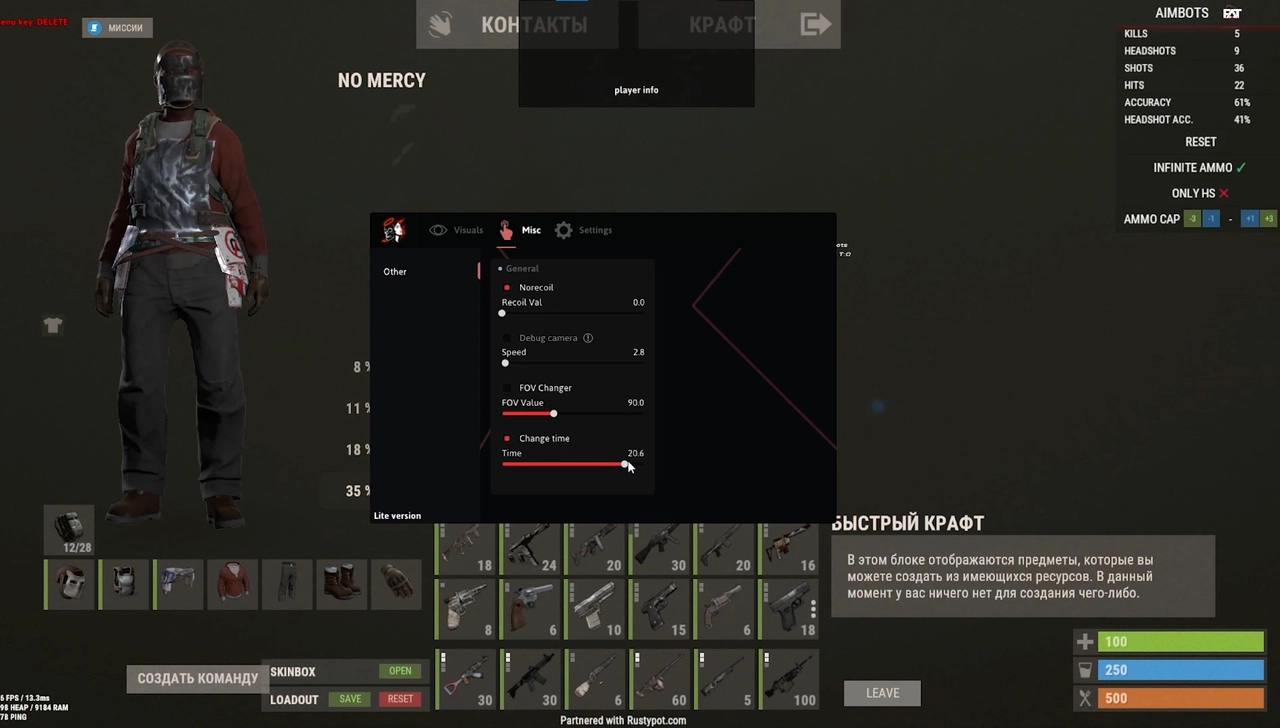

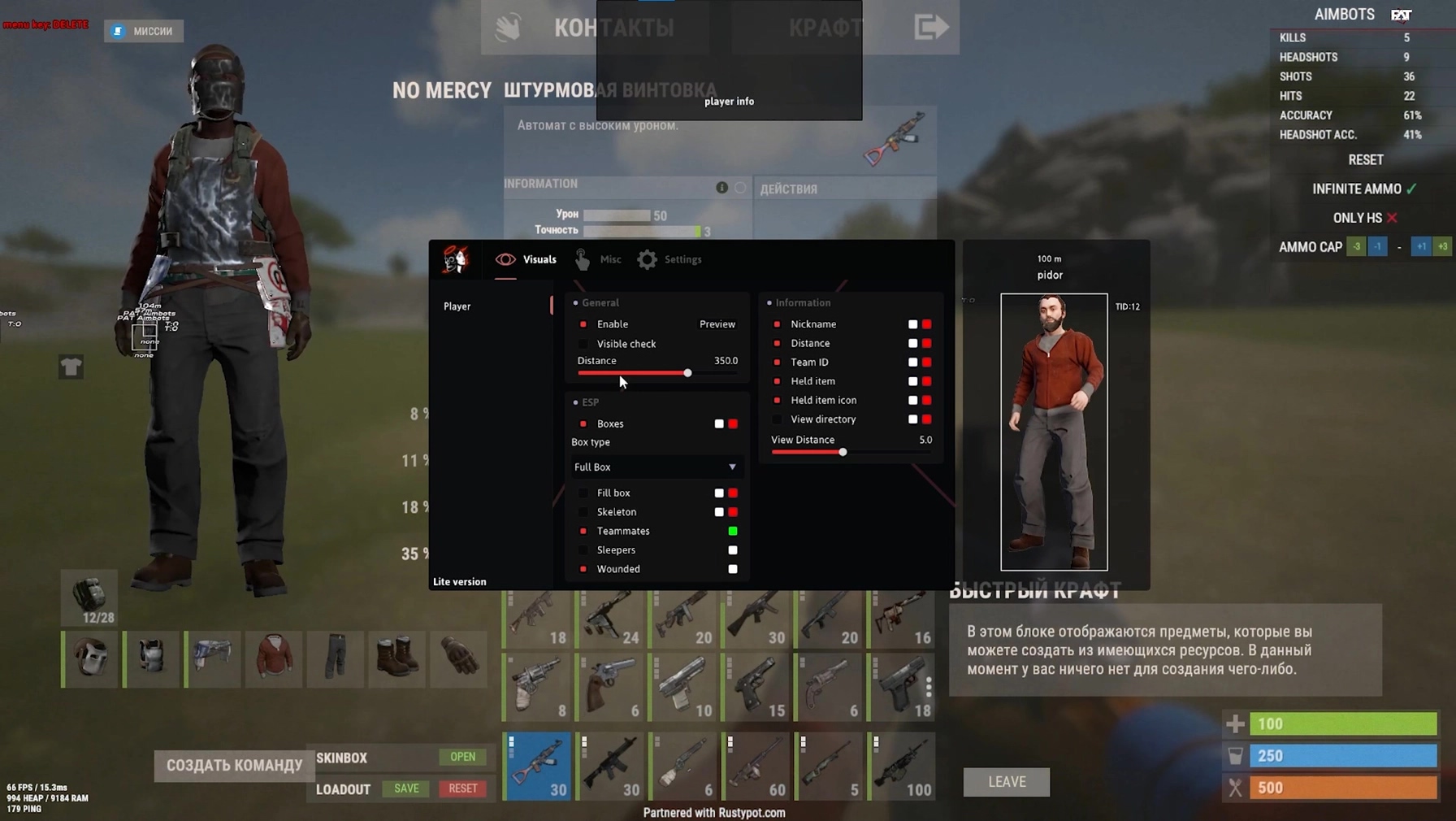
Meet Doza Lite, a lightweight version of the popular RUST cheat built for players who want something simple, stable, and safe. This product is focused on quality visual features (ESP), letting you see every player, their gear, and their condition without cluttering the game with extra options. Doza Lite is the right pick if you just want a reliable "wallhack" with no frills.
This version packs the features you actually need for a tactical edge: detailed ESP, full recoil removal, and handy utilities like the debug camera. If you want a wider feature set with an advanced aimbot and more Misc options, there is a FULL version of the product.
Product features
Player Visuals
ESP Setup
Interactive. A handy preview mode and HUD for tuning how your ESP looks. Boxes, skeletons, weapons, and names. Separate settings for teammates, sleepers, and wounded players. The visibility check changes color when an enemy is exposed.Misc
Shooting and Camera
Control. No Recoil for perfect shooting. A debug camera (Debug Camera) for scouting and changing your FOV. Battle Mode clears the extra clutter off your screen during a firefight.Settings (System)
Management and Safety
Comfort. A full config system (Create/Save/Load). ESP font selection. Safe mode boosts the cheat's stealth.Known issues & fixes
Real questions from our support, with the fixes that worked. Based on user requests for this product.
Says USB drive required , can I launch Doza Lite without a flash drive?
Doza Lite requires a physical USB flash drive , this is a mandatory requirement listed in the product description. A virtual disk will not work.
- Insert the flash drive into your PC.
- Copy the loader to the flash drive and run it from there.
- Once the loader is closed, remove the flash drive.
Error 'Please make sure PIN is not set' or Hyper-V won't disable , how to fix?
This error means a Windows PIN or Hyper-V is blocking the injection. First, go to Windows sign-in options and disable both PIN and password.
Then open PowerShell as Administrator and run the following commands one by one, waiting for each to finish:
- takeown /F "C:\Windows\System32\hvix64.exe"
- icacls "C:\Windows\System32\hvix64.exe" /grant *$(([System.Security.Principal.WindowsIdentity]::GetCurrent()).User.Value):F
- takeown /F "C:\Windows\System32\hvax64.exe"
- icacls "C:\Windows\System32\hvax64.exe" /grant *$(([System.Security.Principal.WindowsIdentity]::GetCurrent()).User.Value):F
- del "C:\Windows\System32\hvix64.exe"
- del "C:\Windows\System32\hvax64.exe"
After all commands complete, restart your PC and launch the loader as Administrator.
Cheat won't launch , Kaspersky or other antivirus is installed
Any antivirus or VPN client (including Kaspersky VPN) can block the cheat's injection. Before launching, fully uninstall all antivirus software and VPN clients , disabling them is not enough.
Restart your PC after uninstalling, then try launching the loader again.
Loader download gets stuck and won't move past a certain percentage
If the download stalls at one percentage and doesn't move for a while, it's usually an unstable connection to the storage server the file is coming from.
- Try turning on a VPN — this often speeds up and stabilizes the download.
- Check whether your antivirus or firewall is blocking the download.
- If it still doesn't progress, cancel the download and start it again.


 Join all games chat





