



 Join all games chat






How to launch Tundra Web Radar in DayZ
The order is simple, but skipping the first step almost guarantees the loader will not survive to launch.
- Prepare Windows: turn off Defender together with real-time protection, disable core isolation and reputation-based protection, uninstall third-party antivirus. After a reboot the system likes to switch protection back on, so either run DControl before every session or download the loader into a separate folder and add only that folder to the exclusions.
- Download the loader through the link in the instruction under your key. Do this after the preparation, otherwise the file gets deleted while it is still downloading.
- Run the loader as administrator and enter the key. If the key will not type from the keyboard, paste it with Ctrl+V.
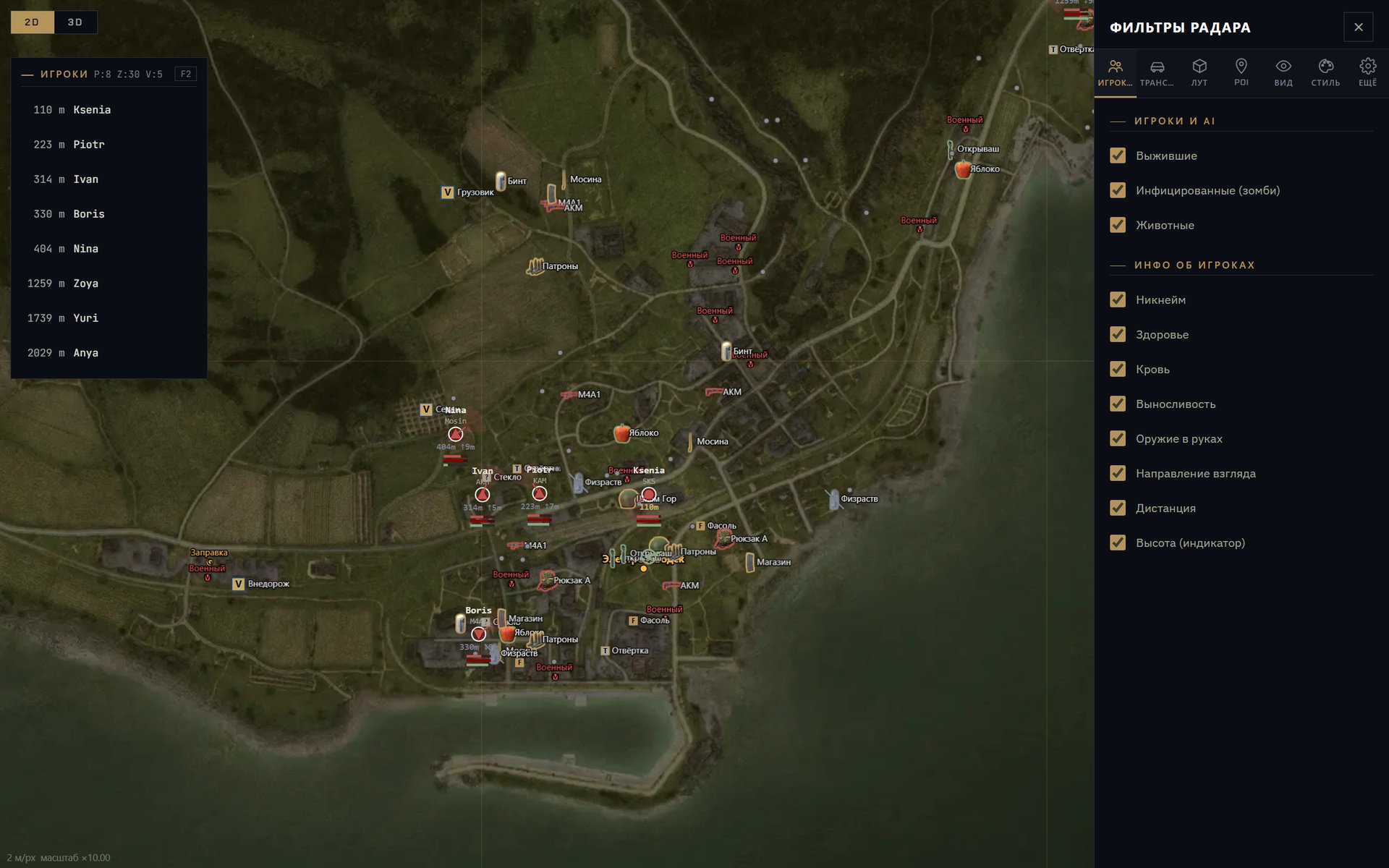
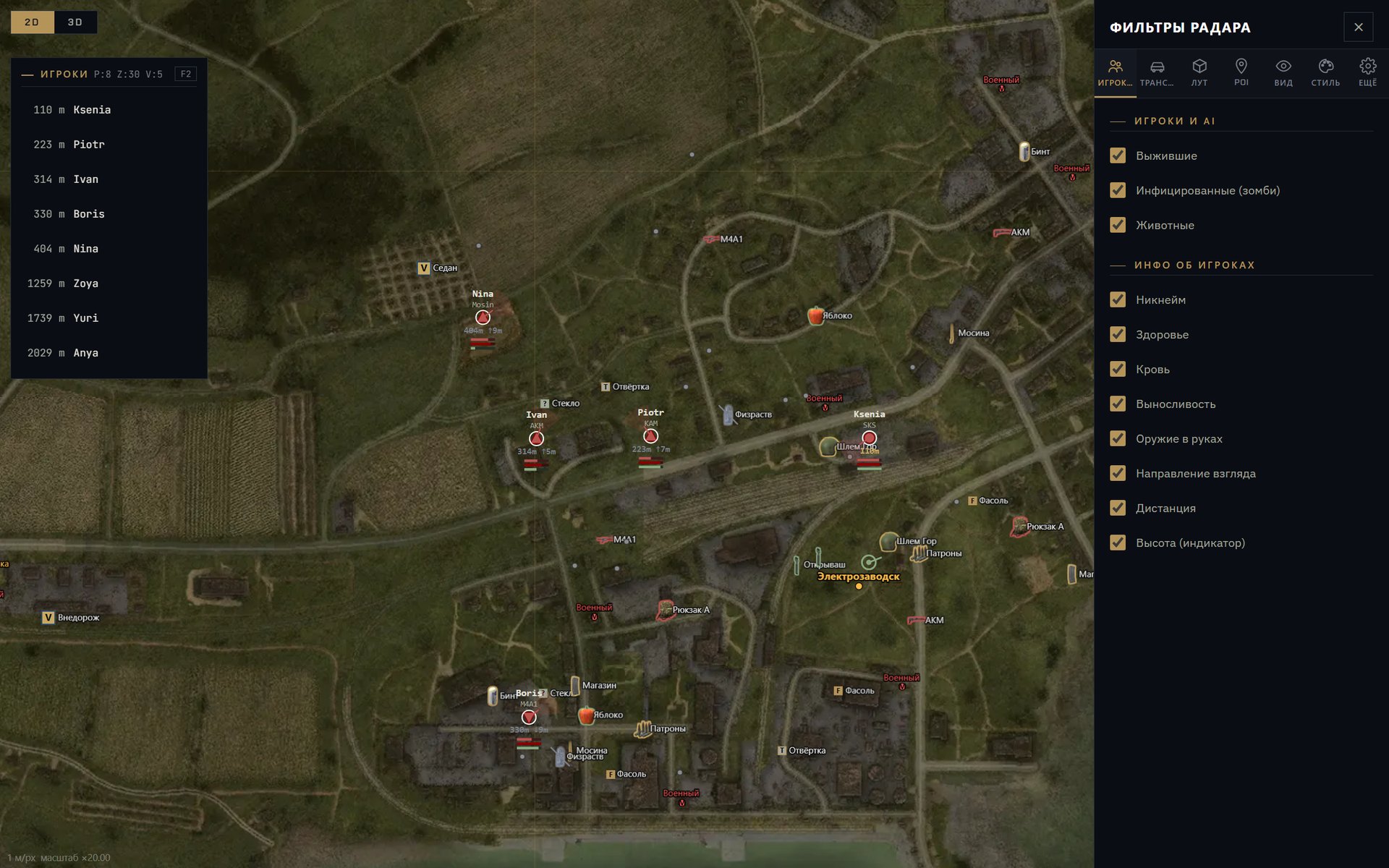
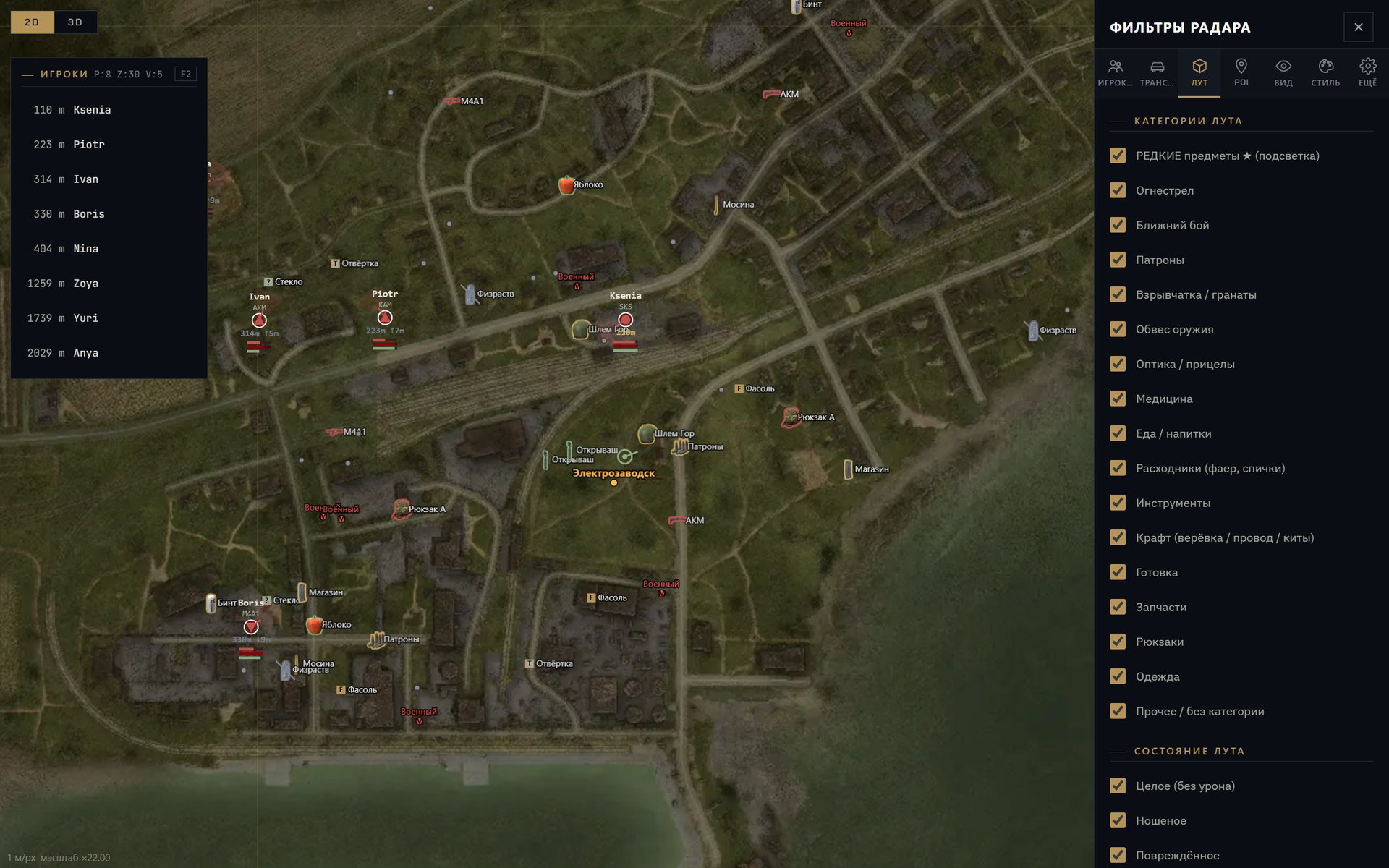
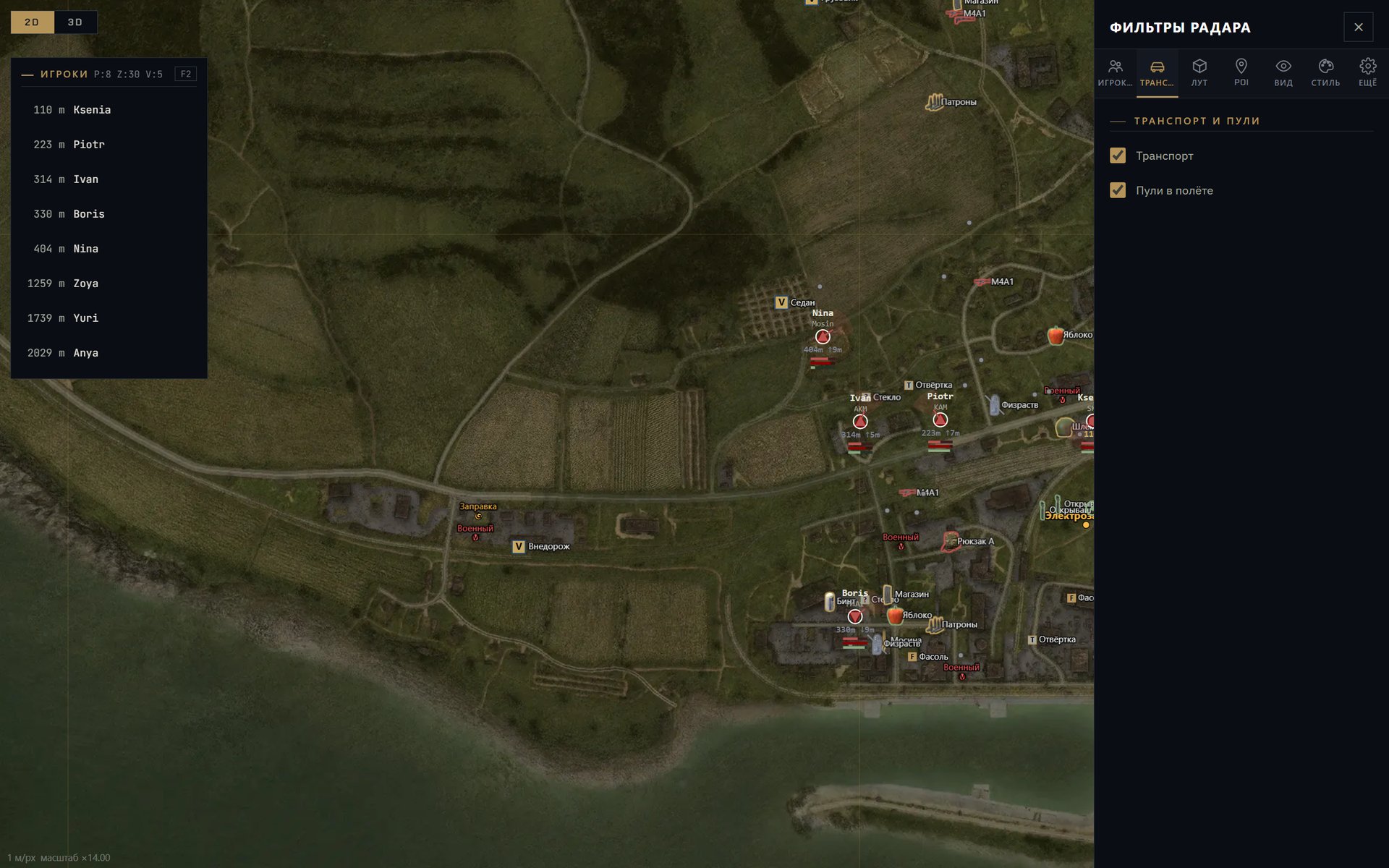
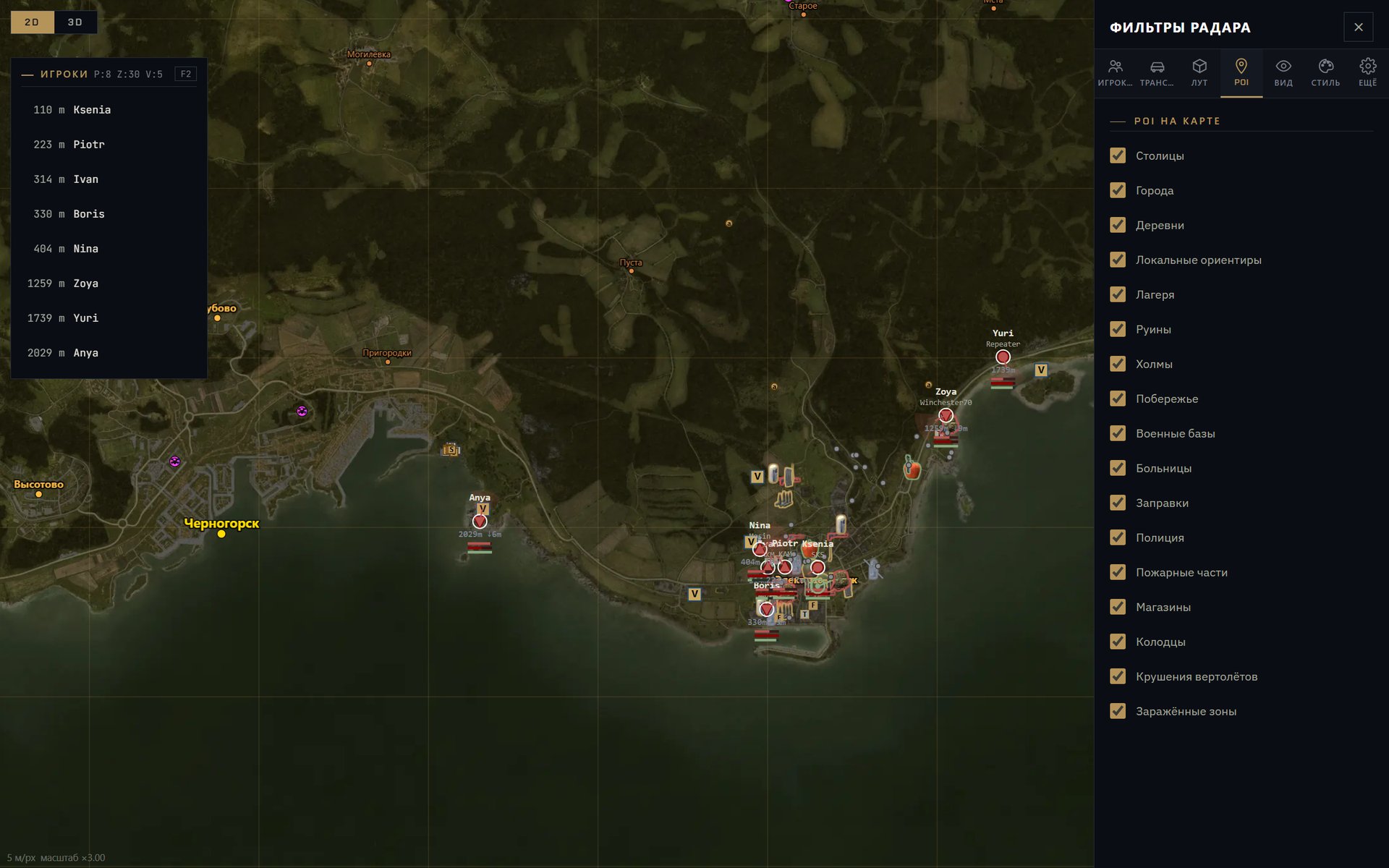
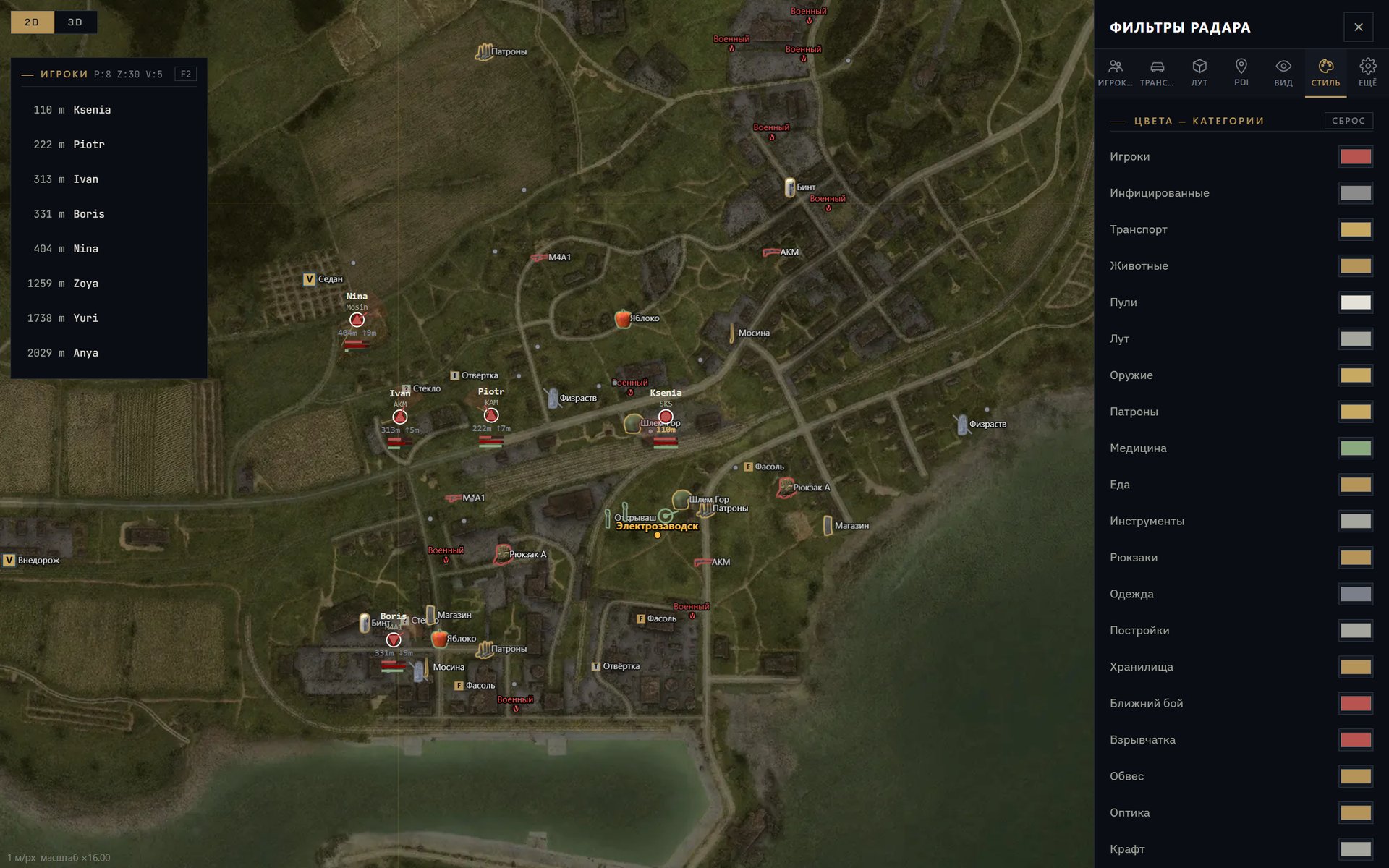
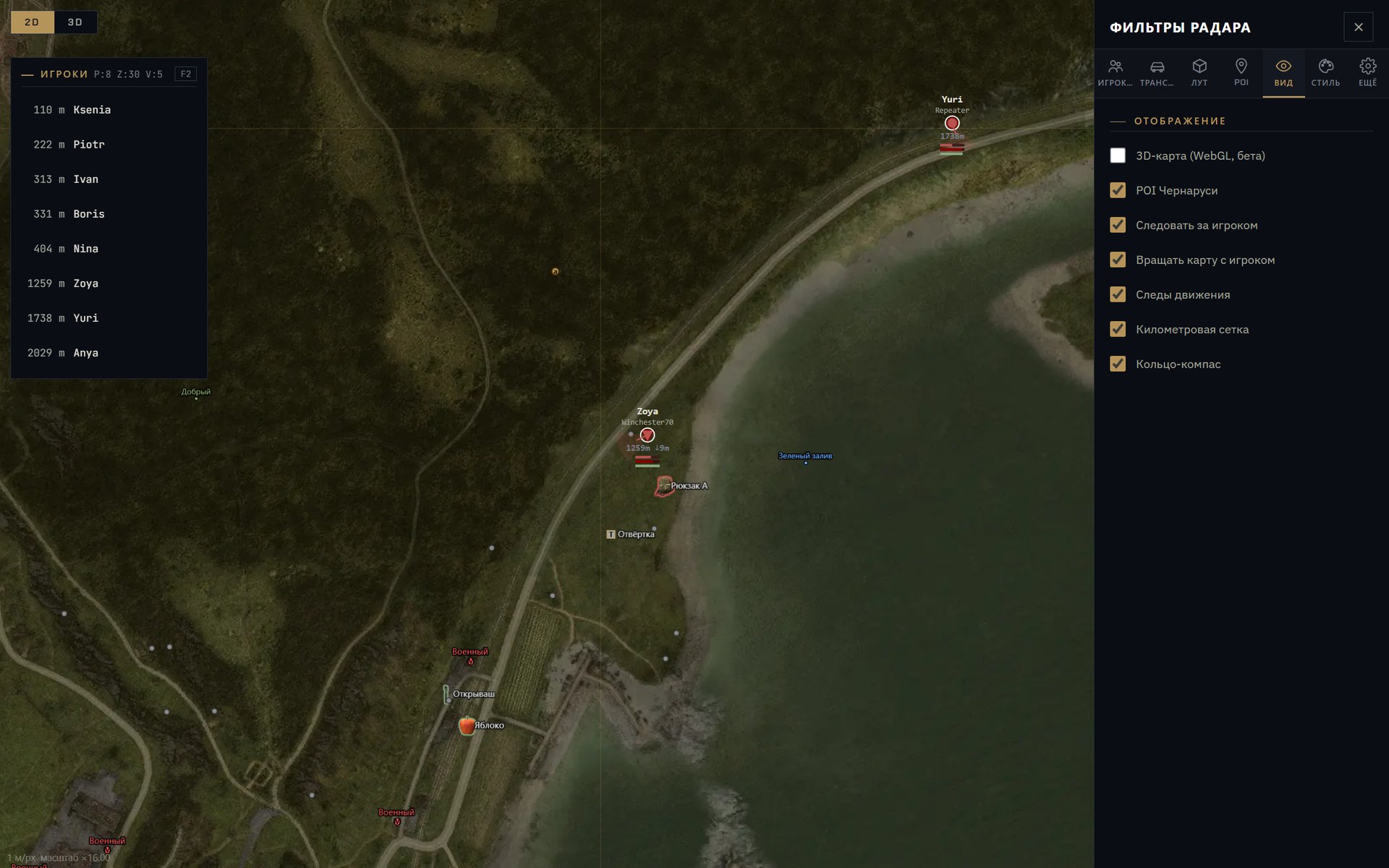
- Wait for the Connected or Waiting for game status. The loader window closes on its own and a radar tab opens in the browser. That is how it is meant to work.
- Start DayZ through Steam and join a server. The map is picked from the server, and markers appear as soon as your character is in the world. In the main menu and on the loading screen the map is empty, which is normal.
Keep the radar tab open for the whole session. The F1, F2 and F hotkeys work when the browser tab is active, not the game window.